
How to Update Agility Writer WordPress Plugin
Updated February 28, 2026 · Adam Yong
This guide covered how to update the latest Agility Writer WordPress plugin. Follow the step-by-step instructions below to ensure a smooth update process.
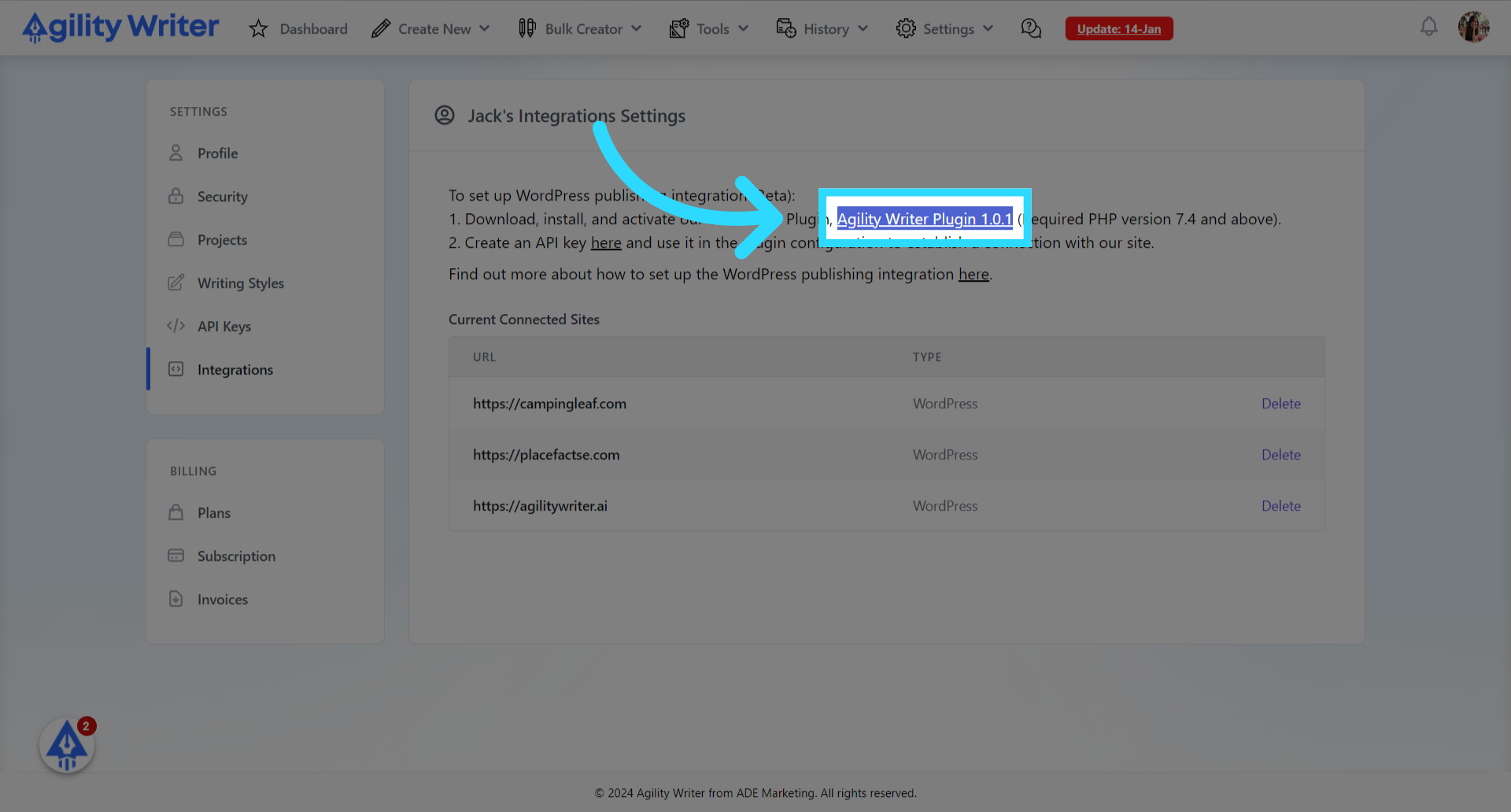
- Download the latest WordPress plugin
Navigate to Settings, Integrations menu. Click here to download the latest WordPress plugin.
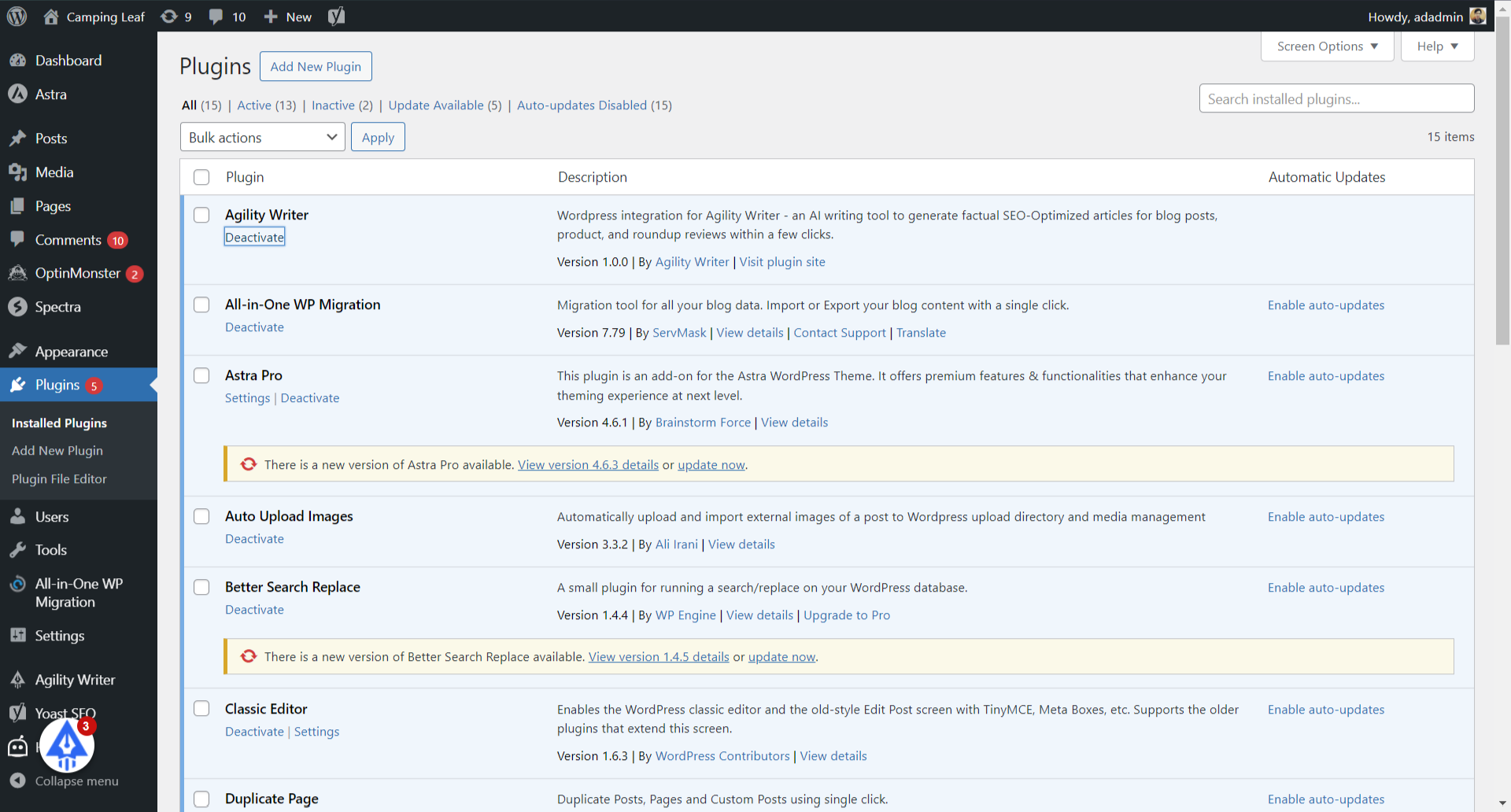
- Click on the “Deactivate” link
Locate the Agility Writer plugin. Click on the “Deactivate” link.
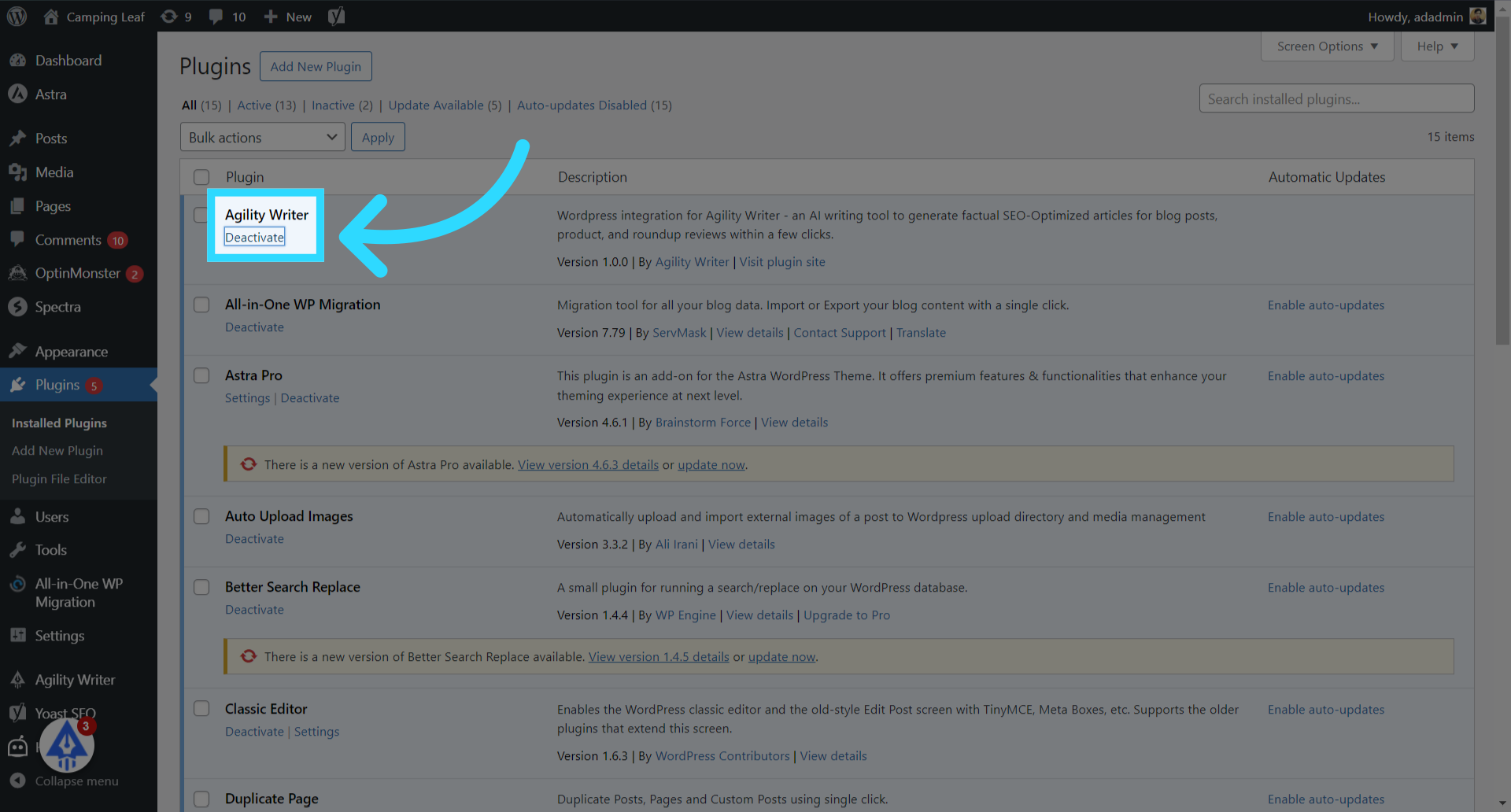
- Click on the “Delete” link to remove the old plugin.
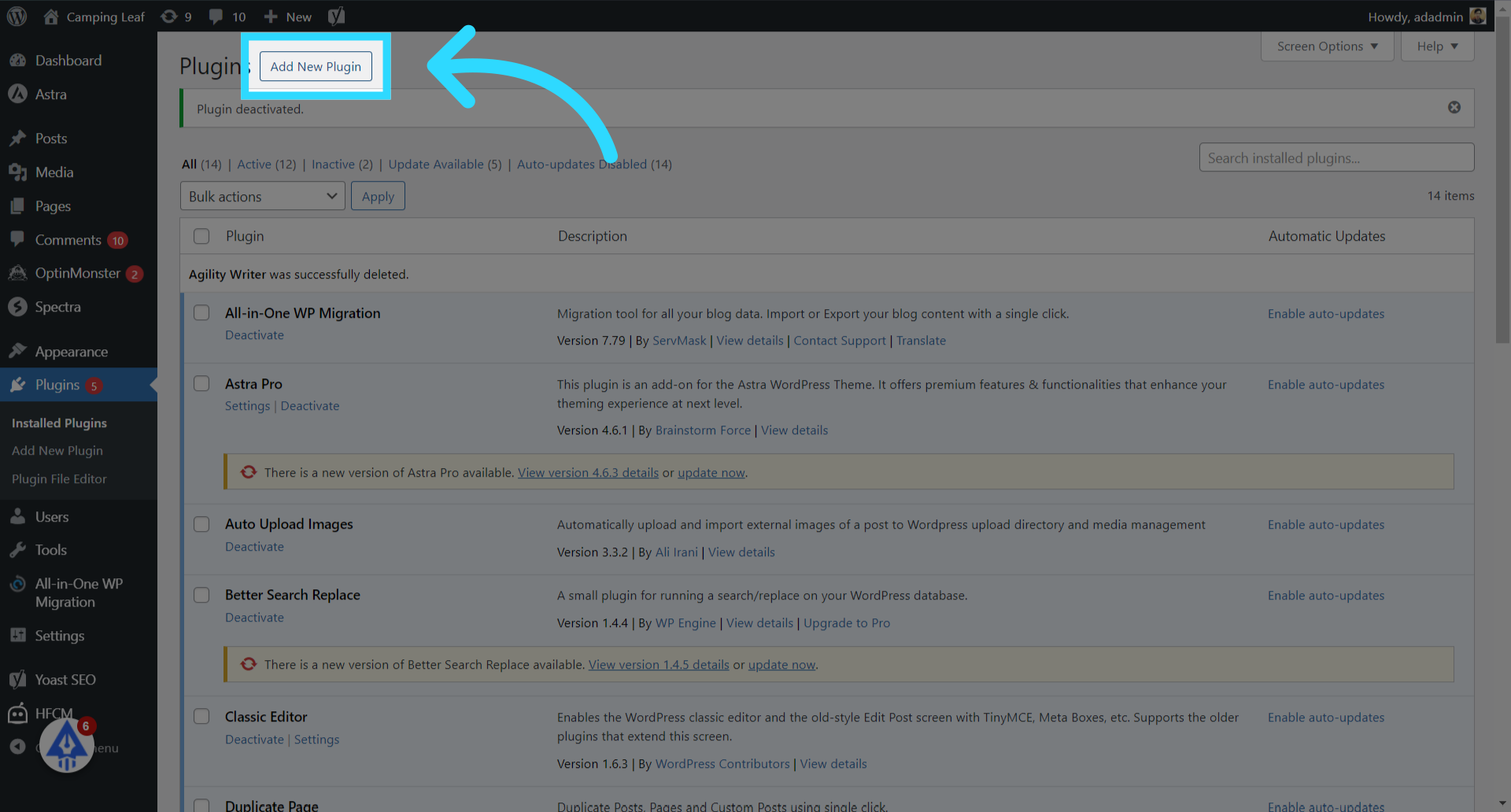
- Click on the “Add New Plugin” button.
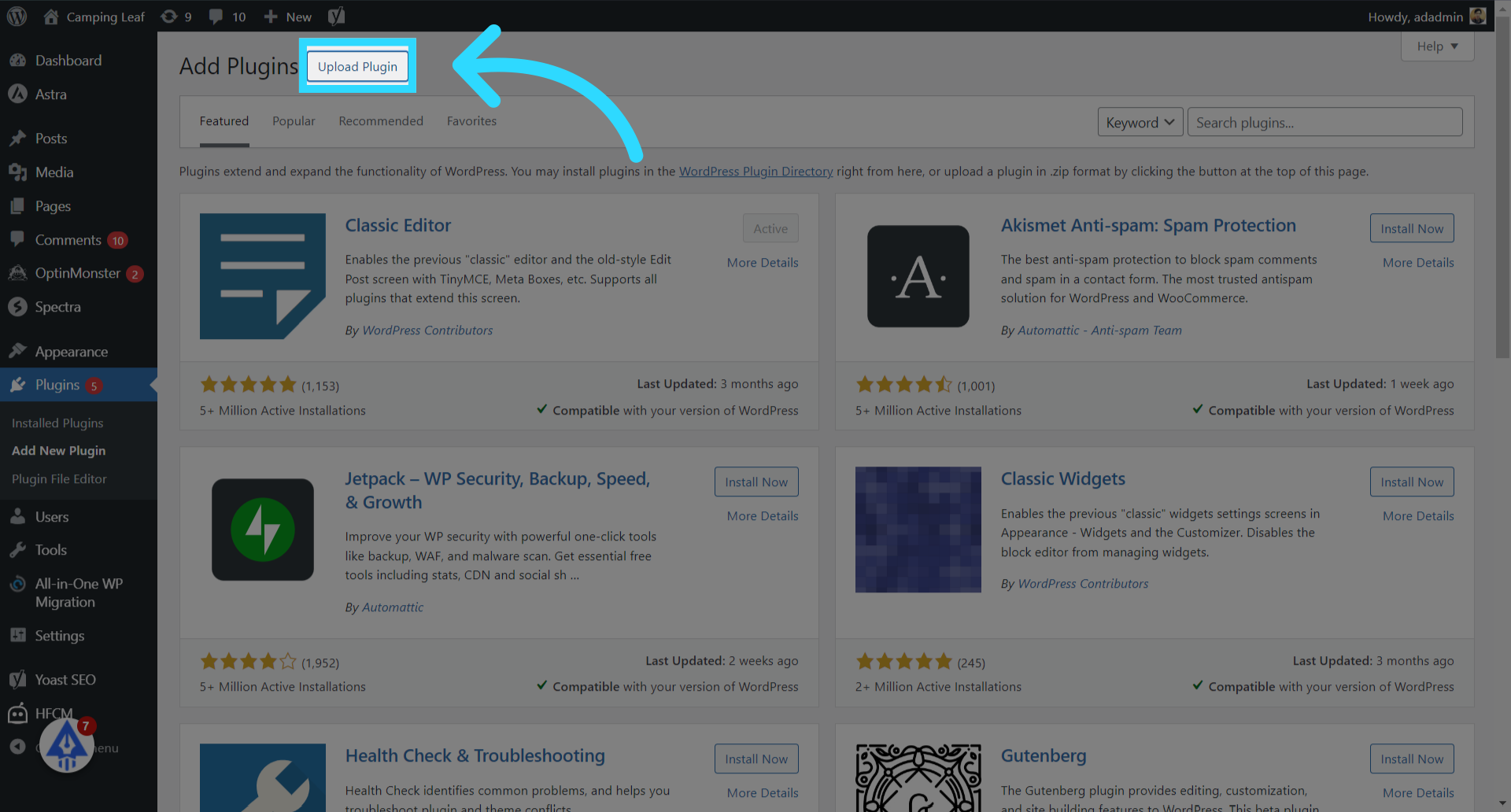
- Click on the “Upload Plugin” button.
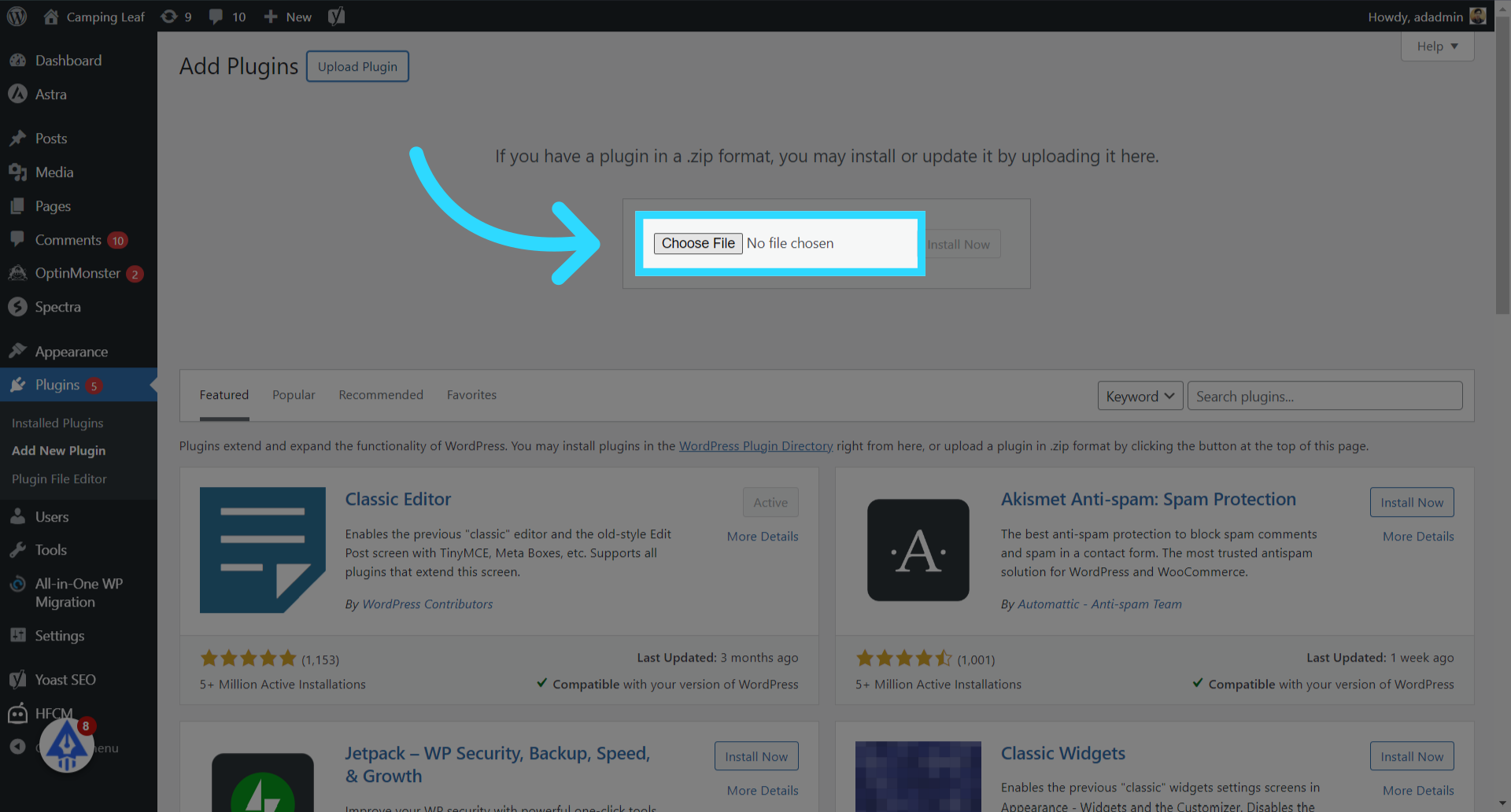
- Click “Choose File”
- Select the latest version downloaded in Step 1.
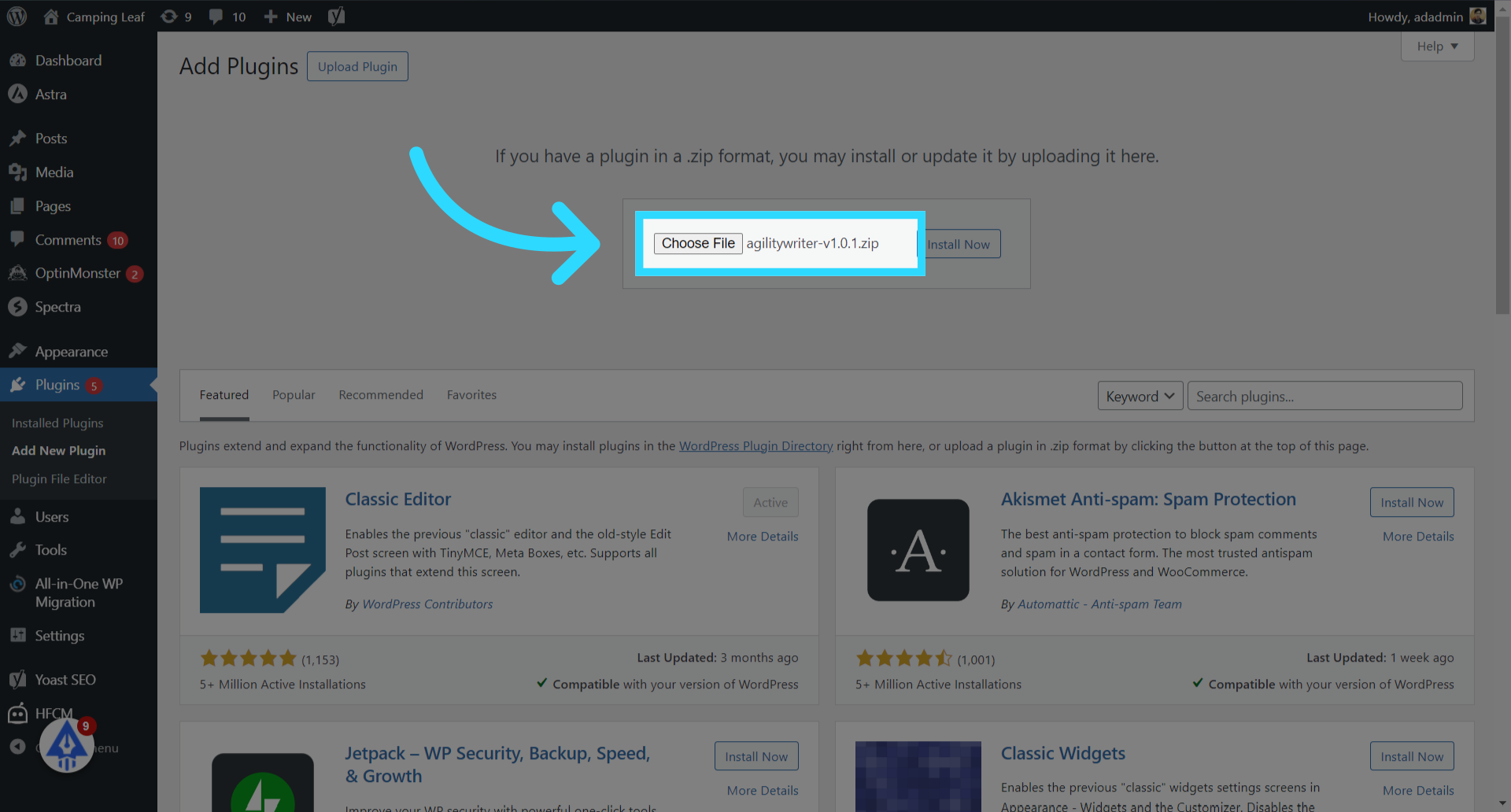
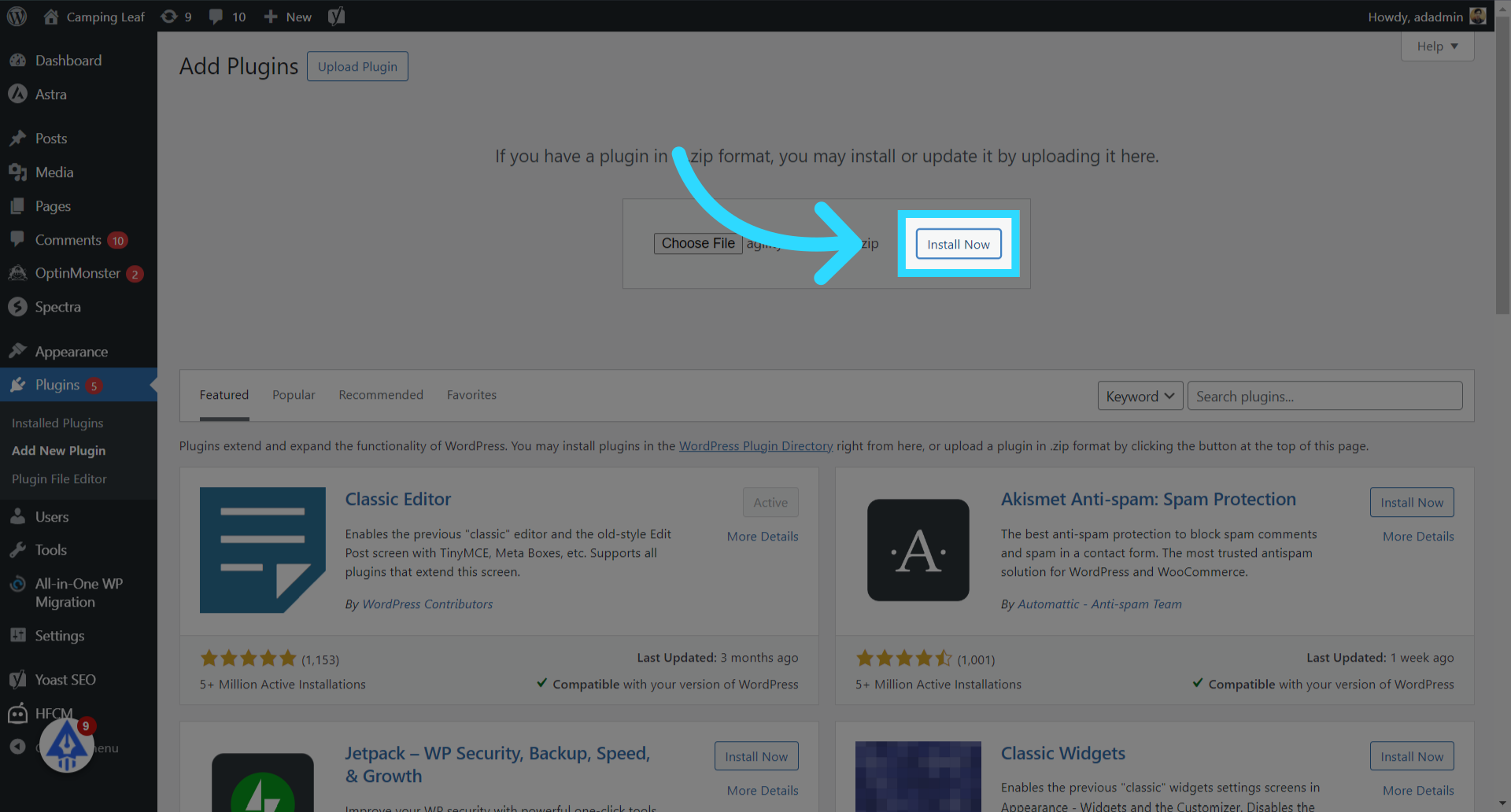
- Click on the “Install Now” Button.
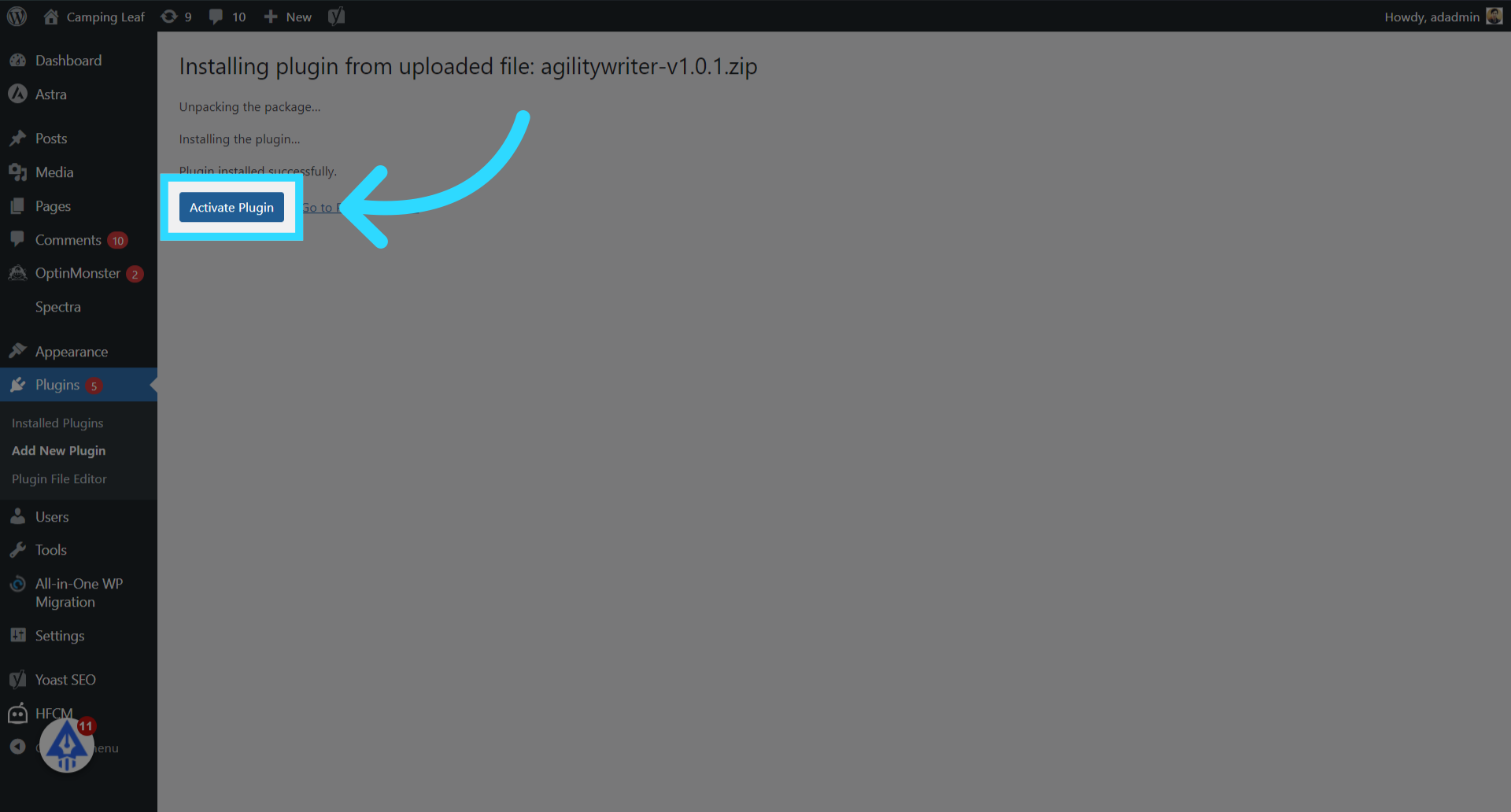
- Click on the “Activate Plugin” button.
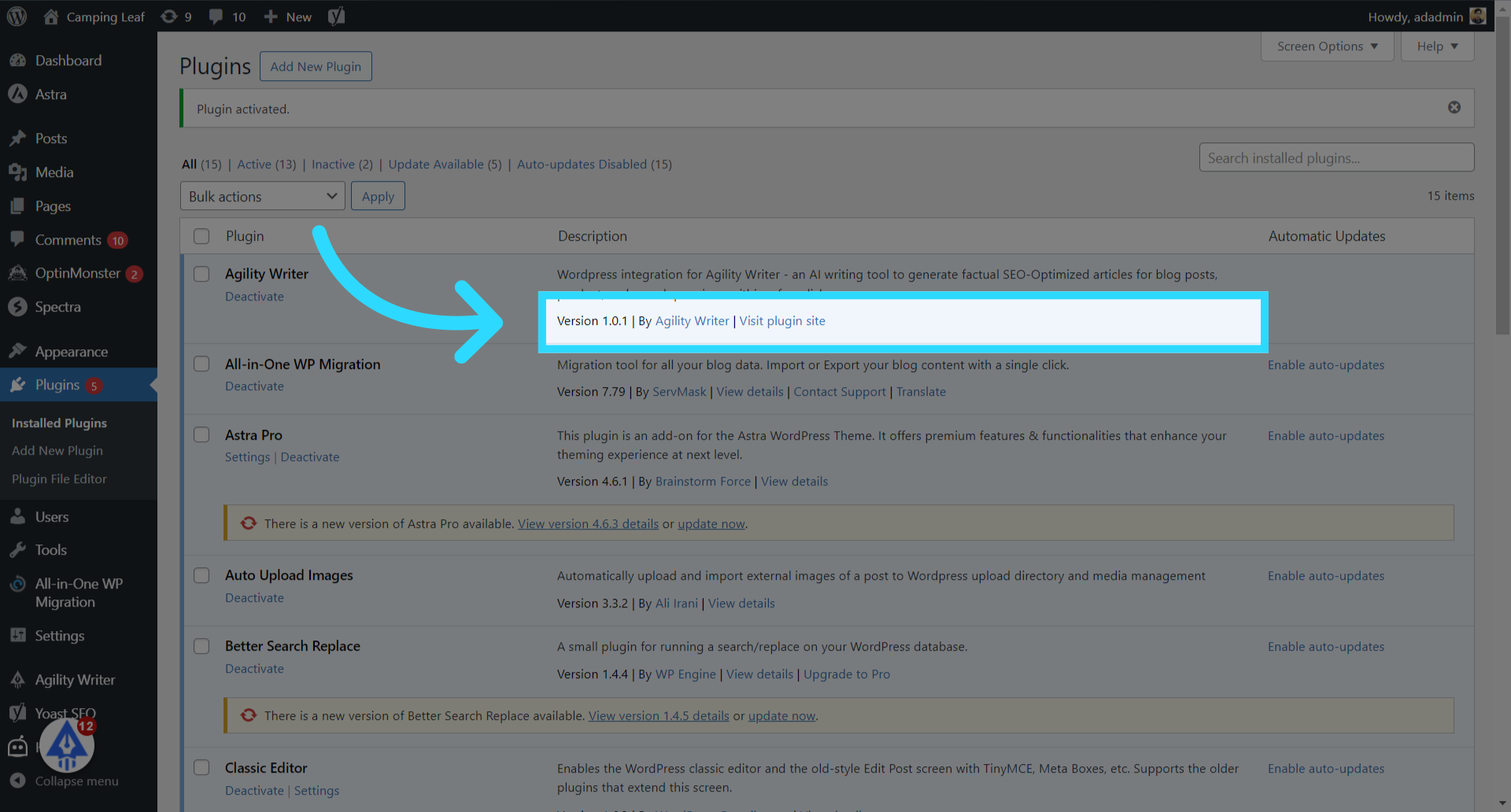
- Check the latest version
The latest plugin version will be displayed. The update process is completed.
This guide covered the process of updating the Agility Writer WordPress plugin.
Still need help?
Browse the full help center or start writing on a $1 trial.