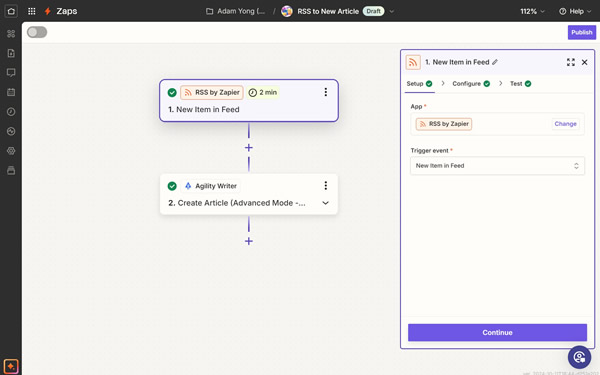

The Zapier integration turns Agility Writer into a step inside any workflow you already run. An event somewhere in your stack (a form submission, a new spreadsheet row, a fresh RSS item) starts an article job, and the finished result lands wherever you point it.
The five actions
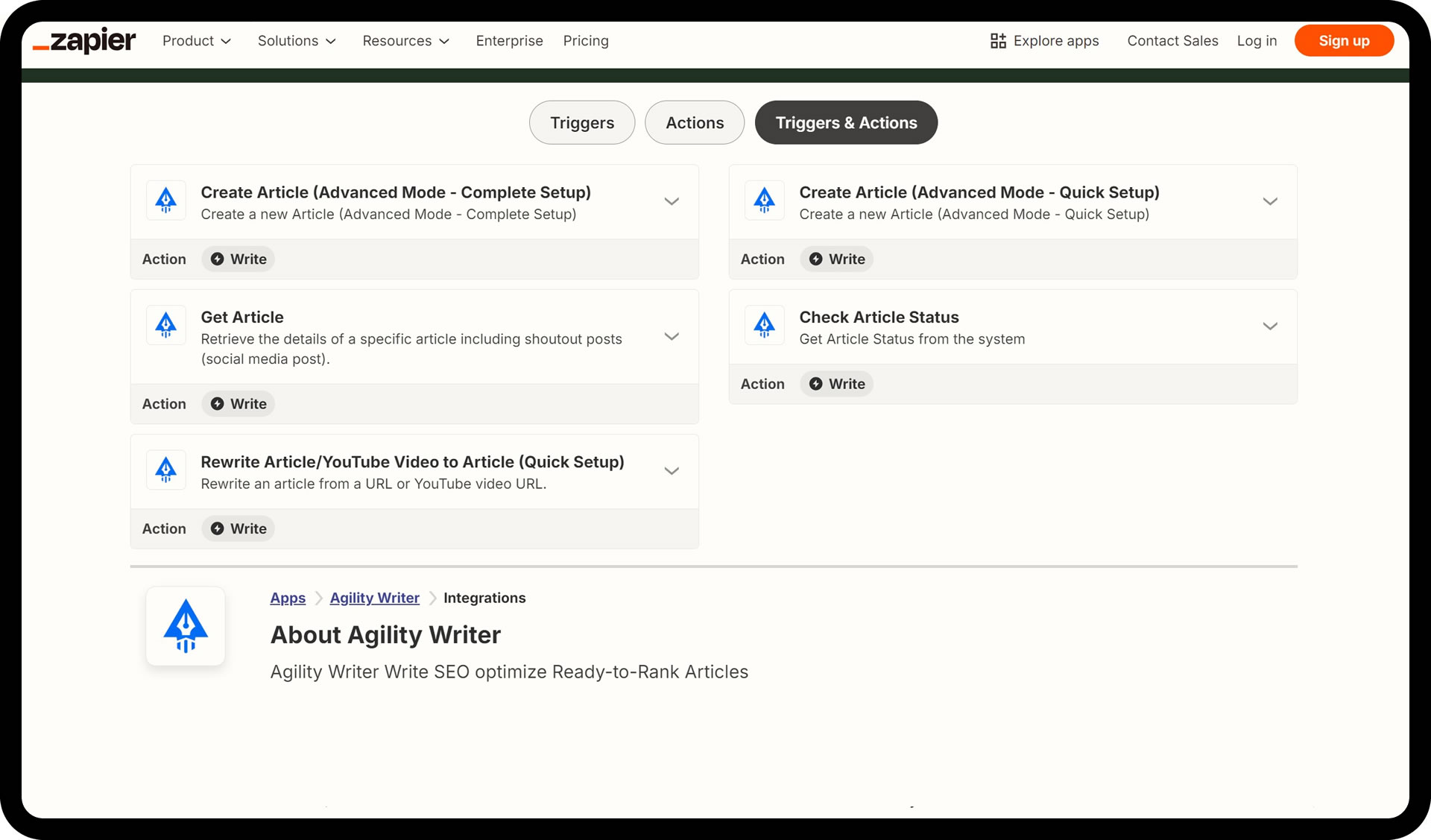
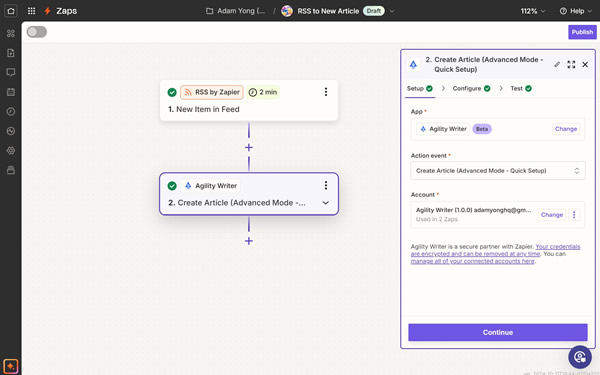
- Create Article (Advanced Mode, Quick Setup) — generate a new article from keywords and titles with a fast, minimal configuration.
- Create Article (Advanced Mode, Complete Setup) — the same generation with full customization, mirroring everything you can set inside Agility Writer.
- Rewrite Article / YouTube Video to Article — convert an existing URL or a YouTube video into a fresh, original article.
- Check Article Status — track generation progress in real time so downstream steps fire at the right moment.
- Get Article — retrieve the finished article along with its ready-to-post social media content.
Workflows teams actually build
- Automated blog posting — add a topic to a Google Sheet, Agility Writer generates the article, and it posts to your WordPress blog.
- Social media on publish — when a new article goes live, generate and schedule the matching social posts automatically.
- Content repurposing — turn your latest YouTube videos into blog articles without touching the writer.
- Timely news updates — generate articles on trending topics as soon as they surface on X (Twitter).
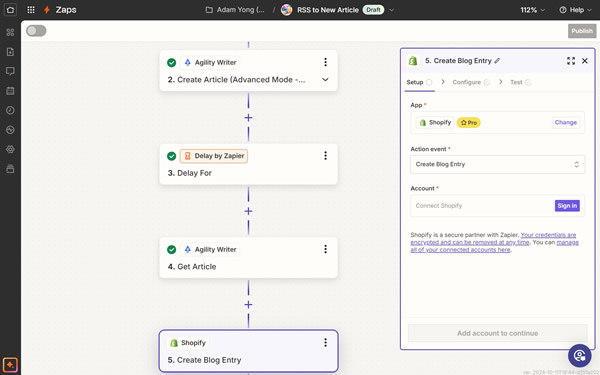
- E-commerce product descriptions (coming soon) — add a product in Shopify and get an SEO-friendly description back.
The Sheets-to-WordPress pipeline is the easiest place to start: fill a spreadsheet with keywords, and published posts appear on the blog. Pair it with the WordPress integration for the publishing leg.
When to graduate to the API
Zapier covers most pipelines without an engineering hire. If your workflow needs complex routing, multi-system orchestration, or volume beyond what per-task Zapier pricing makes sensible, the native API gives you direct programmatic control using your plan credits.