
How to Use Custom Writing Styles
Updated March 4, 2026 · Adam Yong
This guide will walk you through how to create Agility Writer’s custom writing styles, which match your existing content to maintain the brand voice.
Login to https://app.agilitywriter.ai
- Click “Settings”
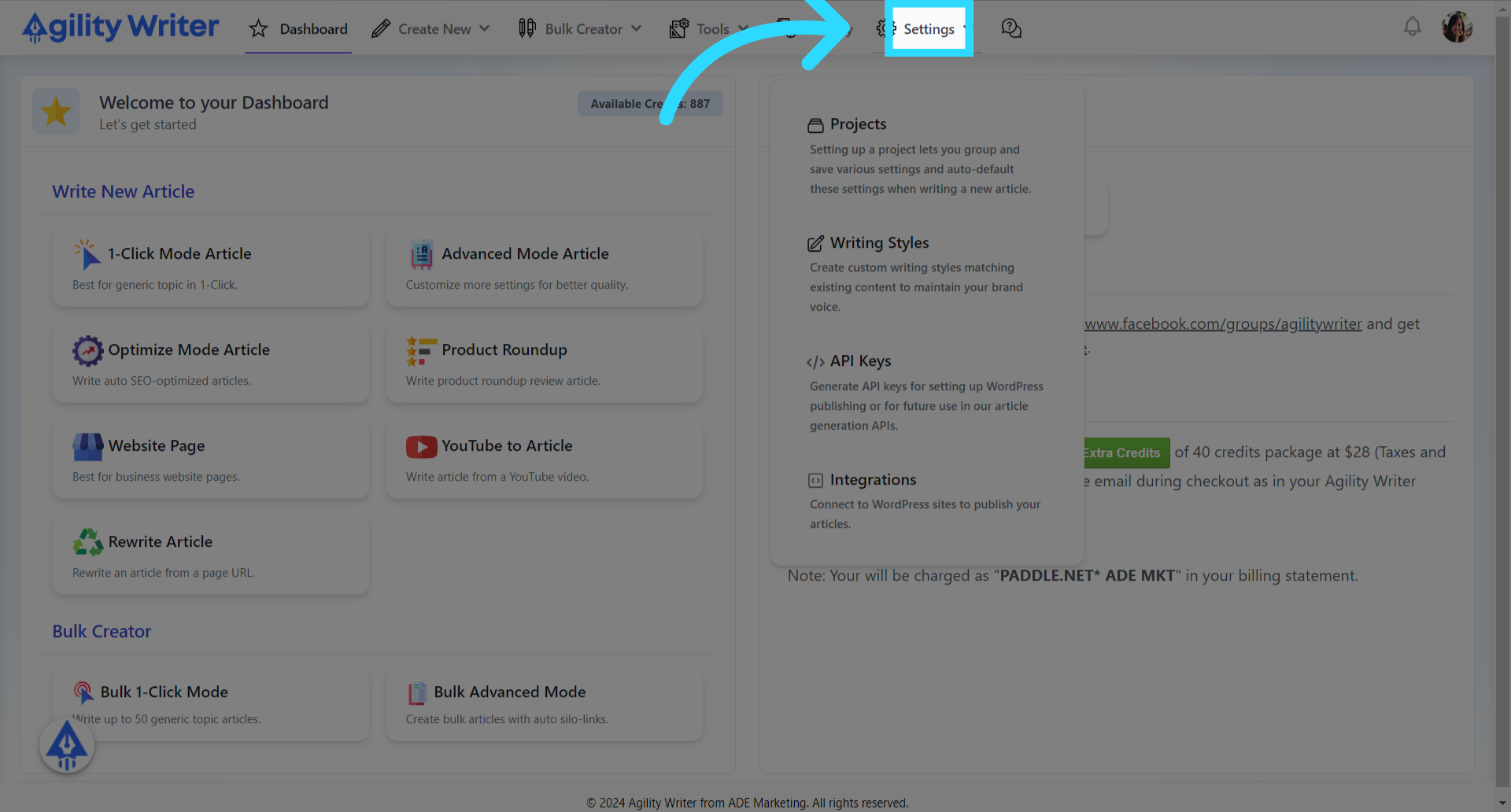
- Click on the “Writing Styles” menu.
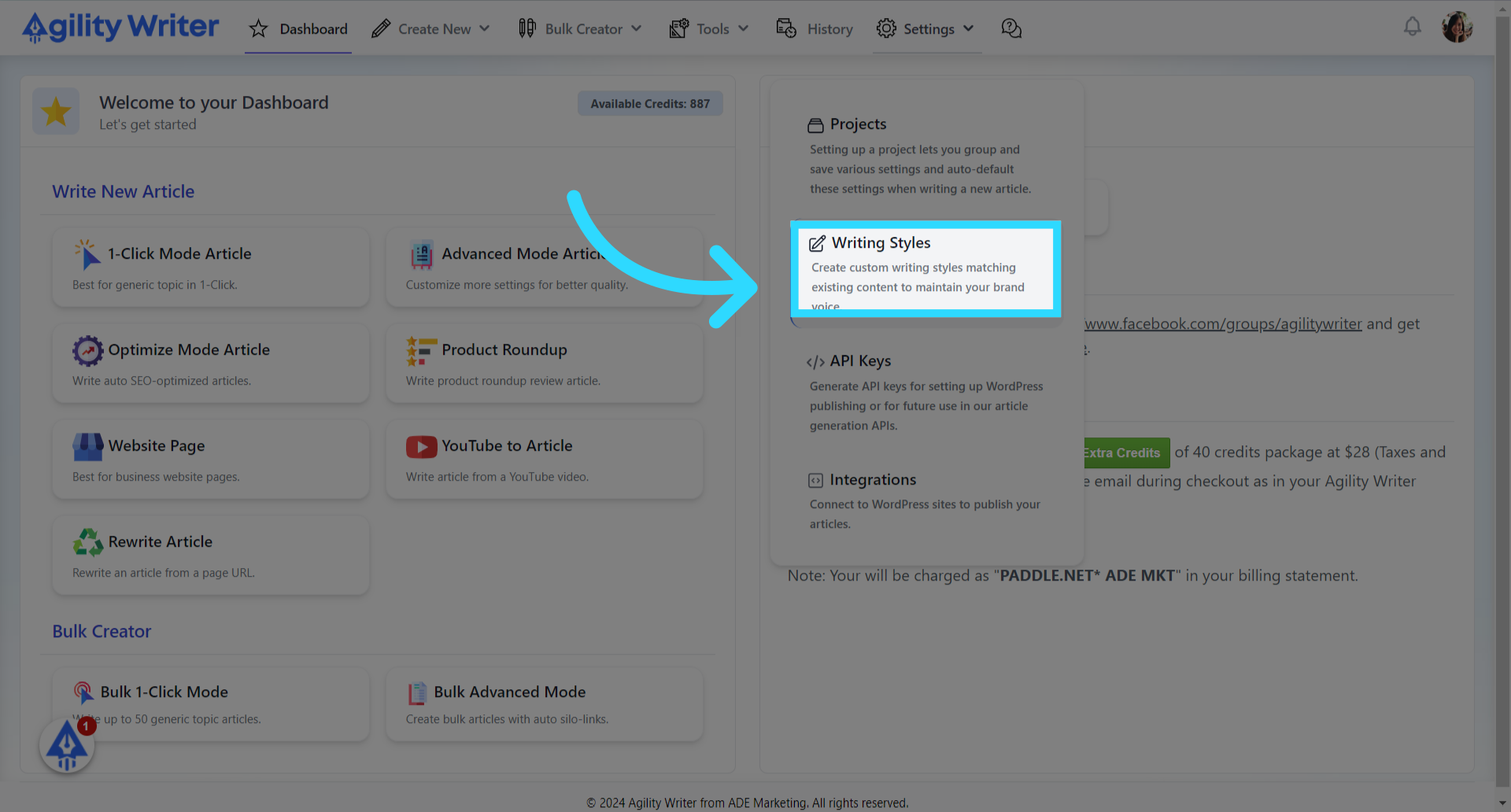
- Click on the “New Writing Style” button
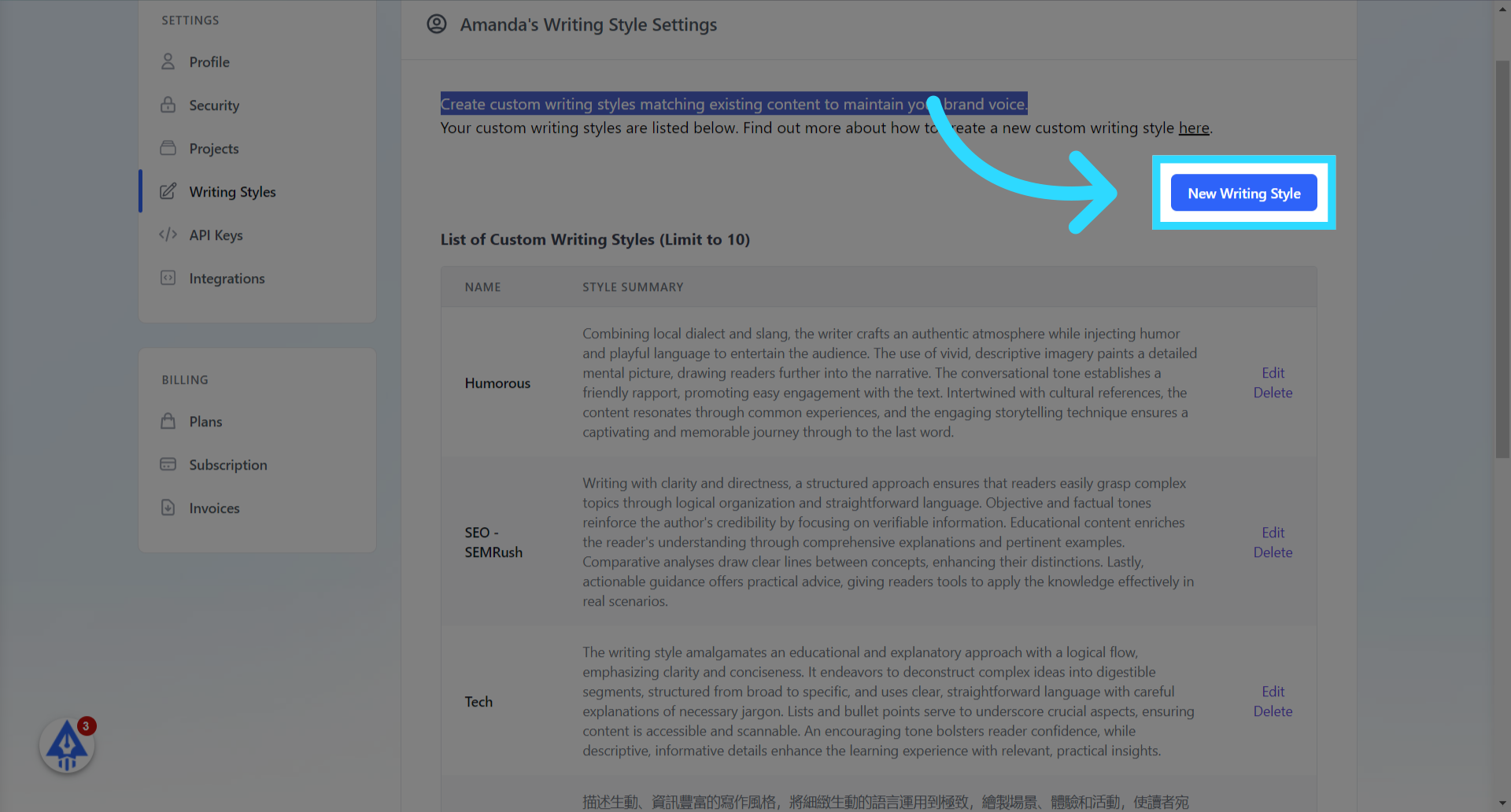
- Enter a name for the custom writing style
Enter a name. For an example, “Wired.com”. For this demonstration, we will create a custom writing style based on the articles from the wired.com.
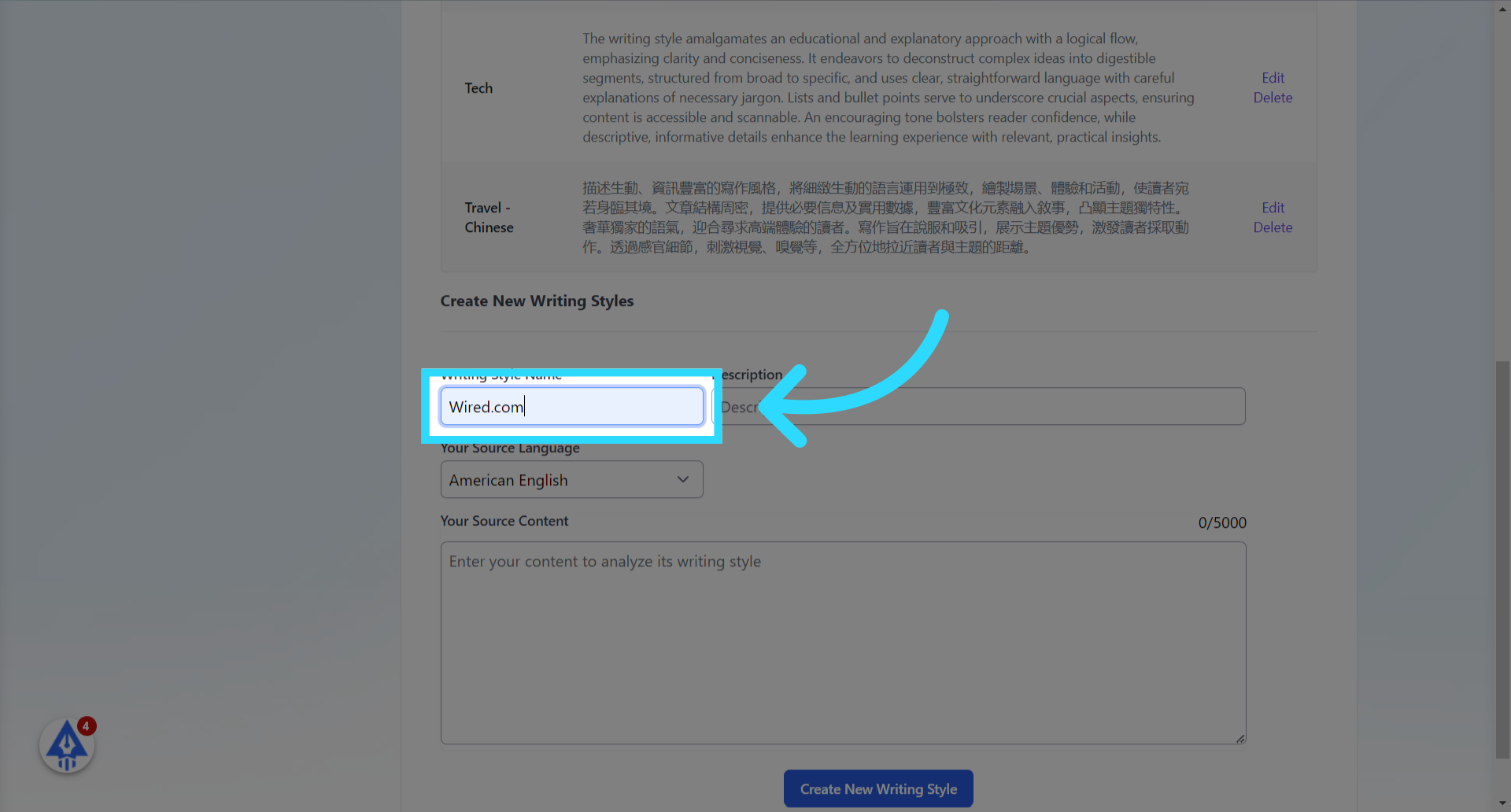
- Select the content’s language to get a more accurate analysis.
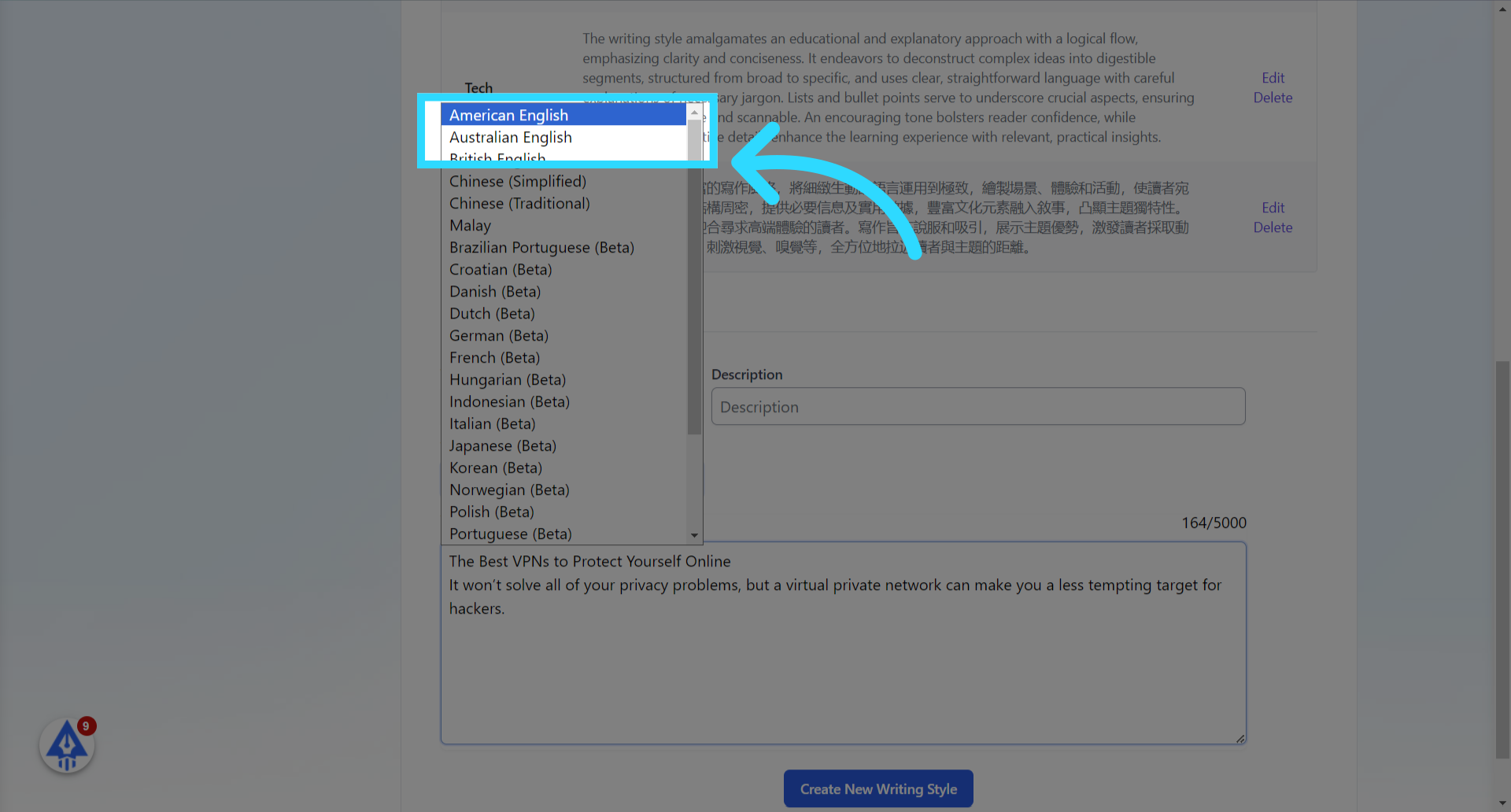
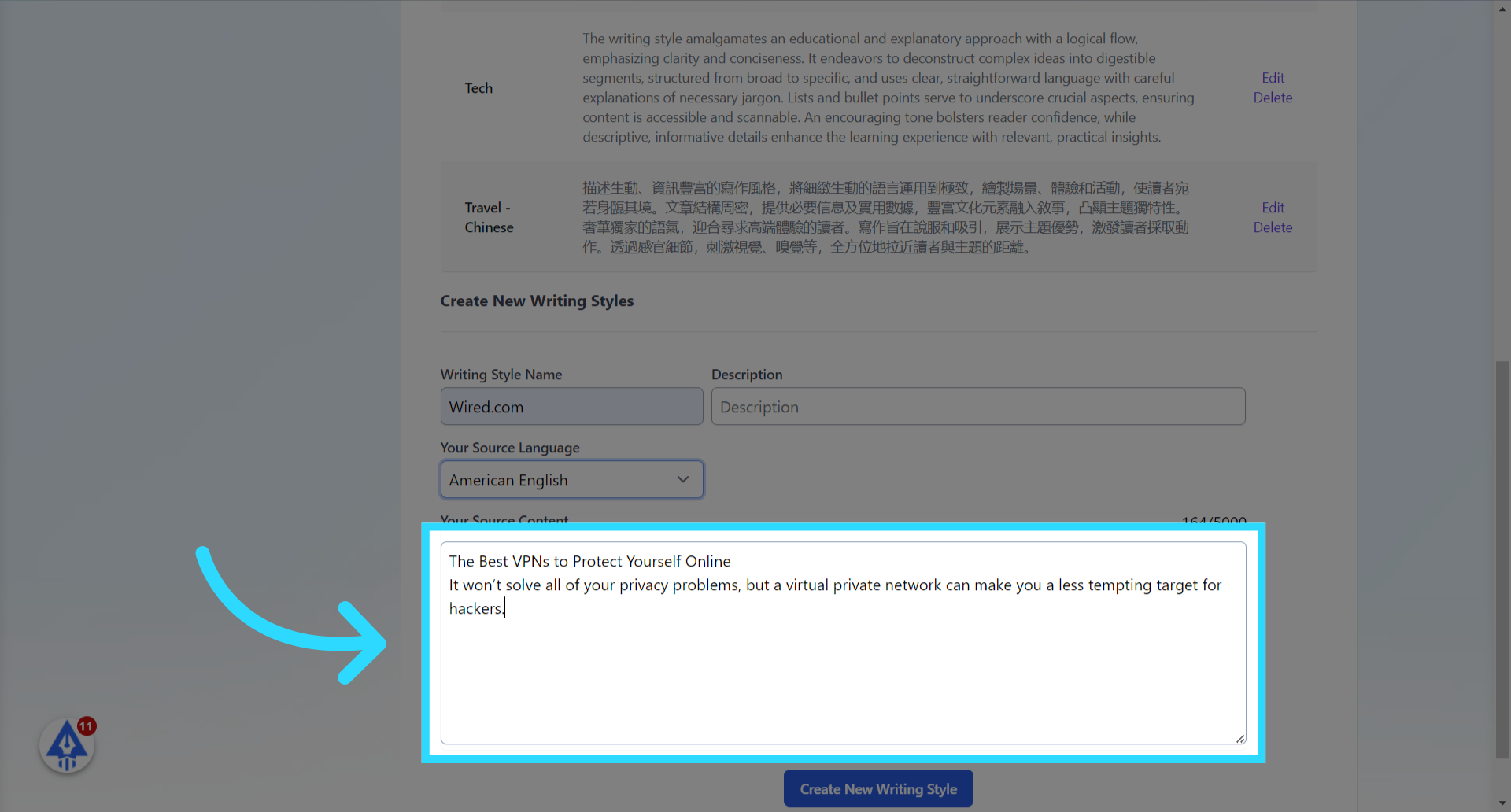
- Copy your text content

- Paste the text here to let the system analyze the writing style.
- Copy more text from wired.com
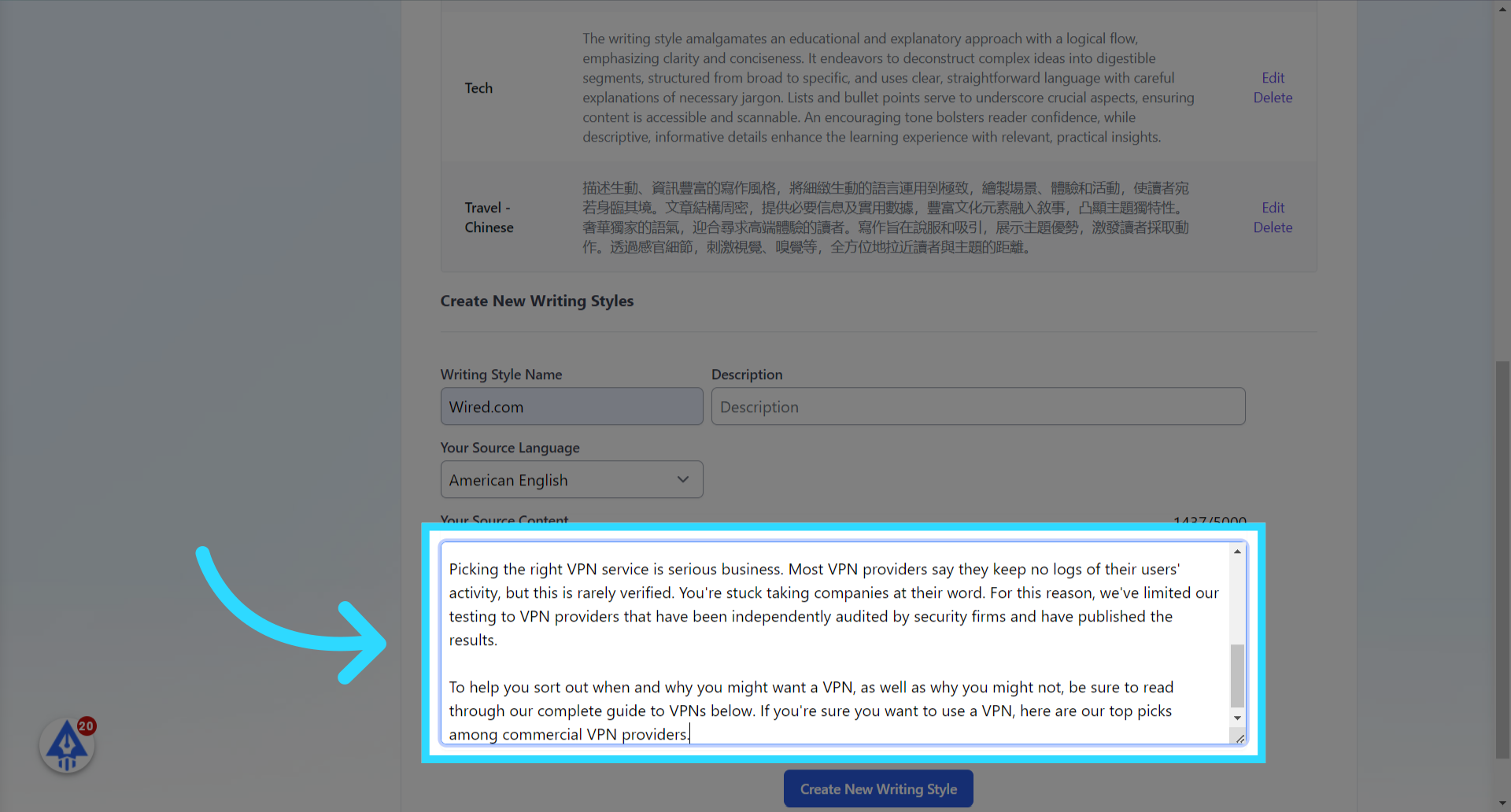
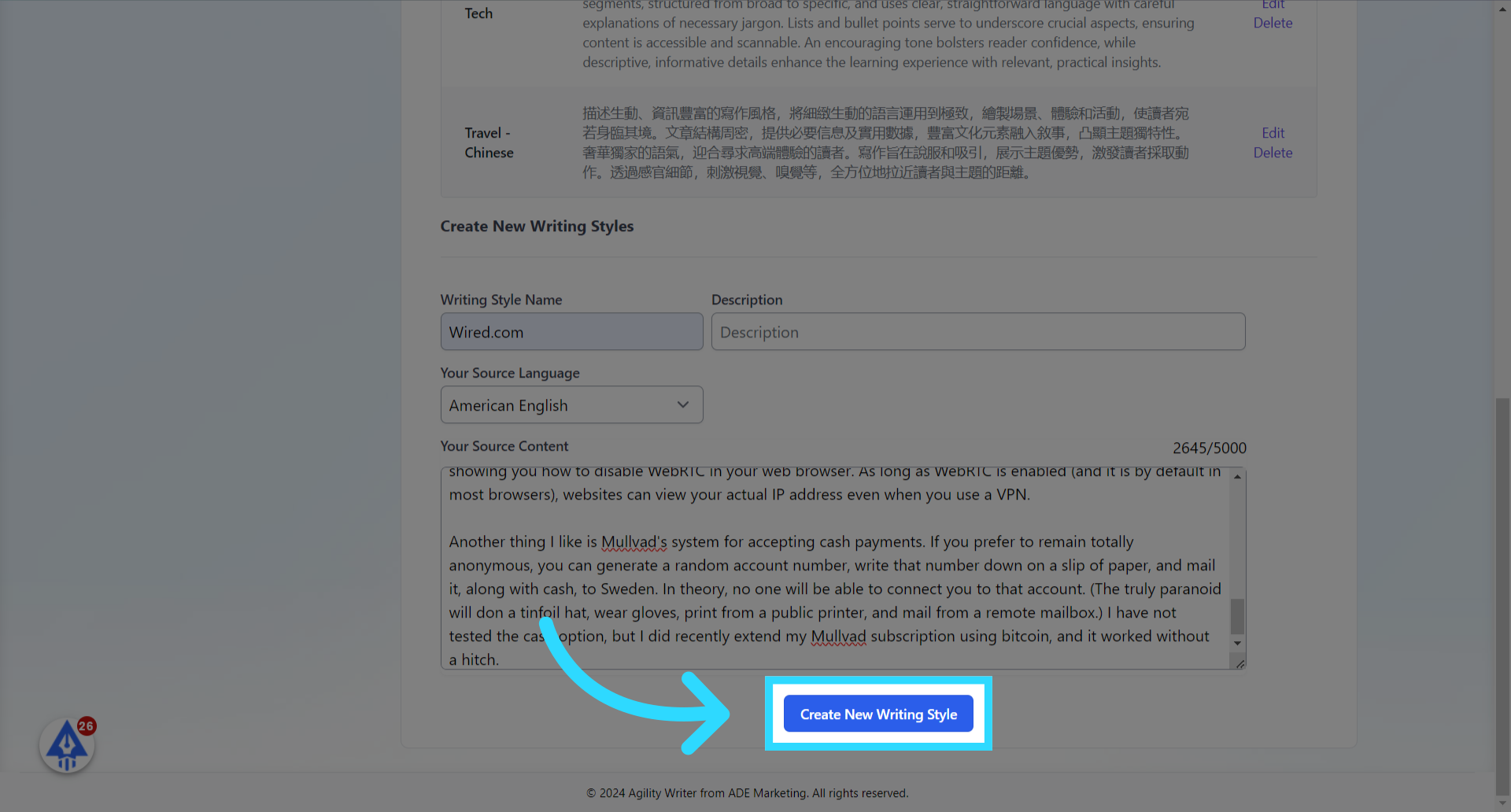
- Enter more text up to 5000 characters.
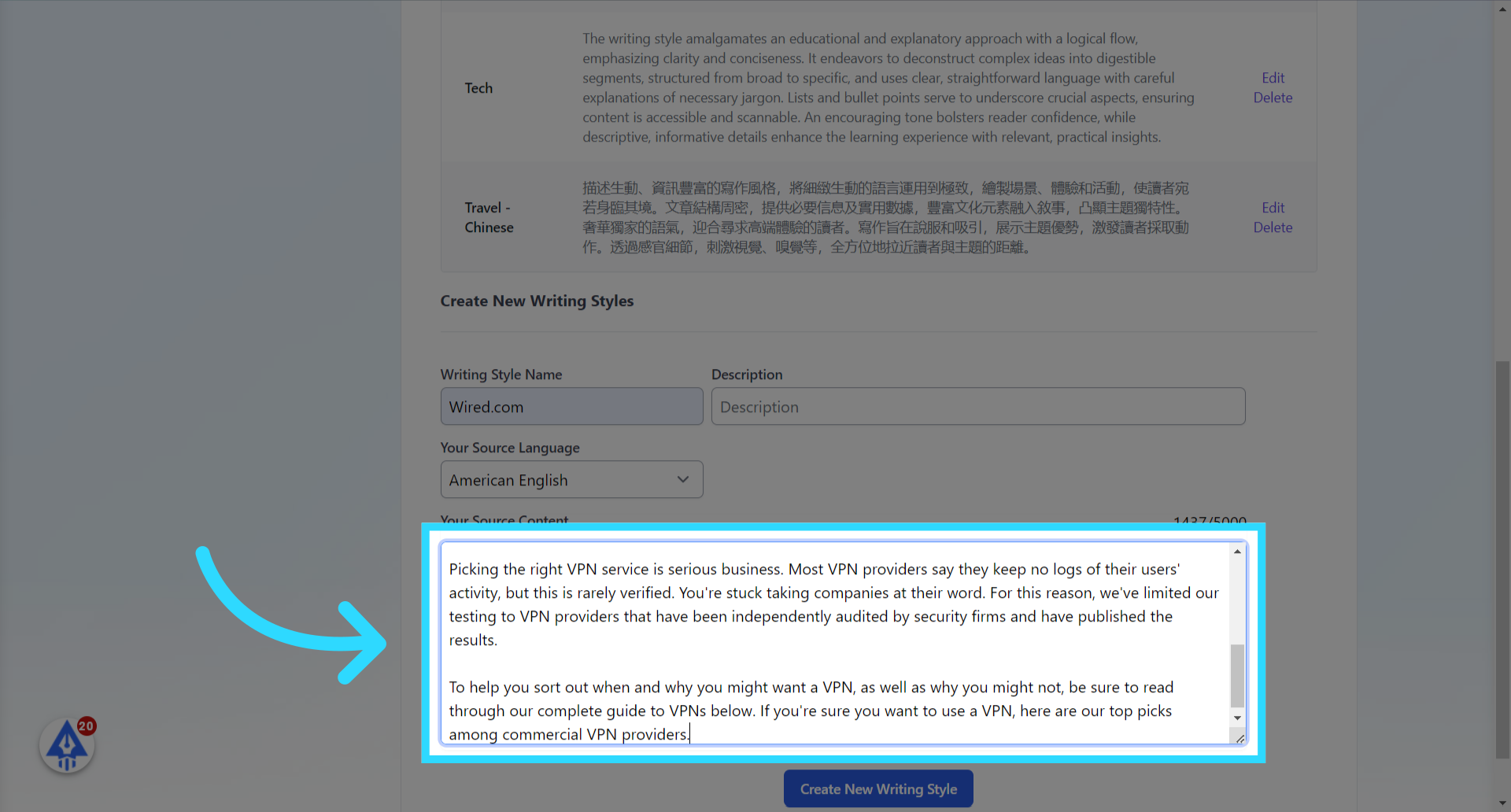
- Click the “Create New Writing Style” button to proceed.
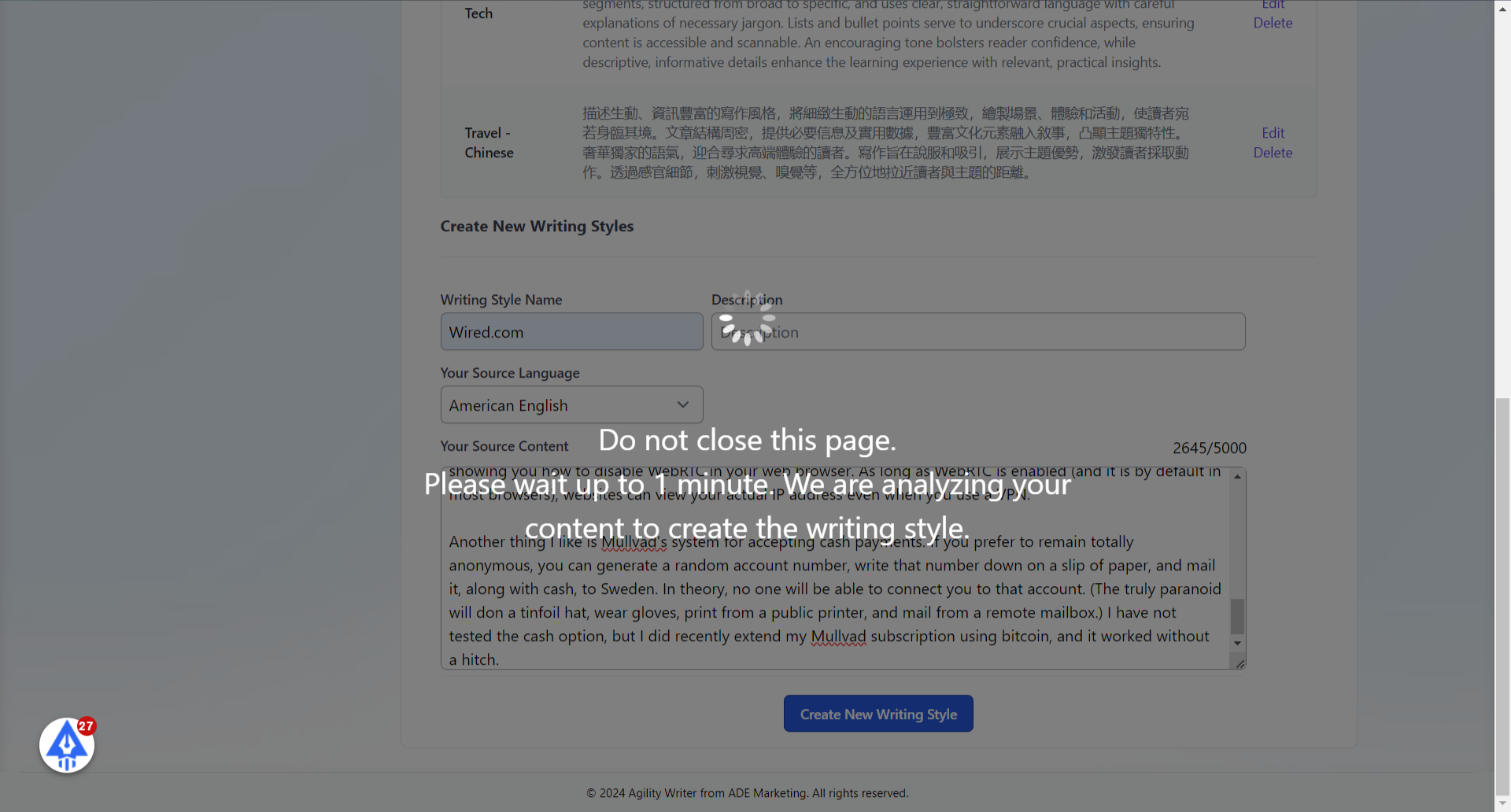
- Do not close this page. Please wait up to 1 minute to complete the analysis.
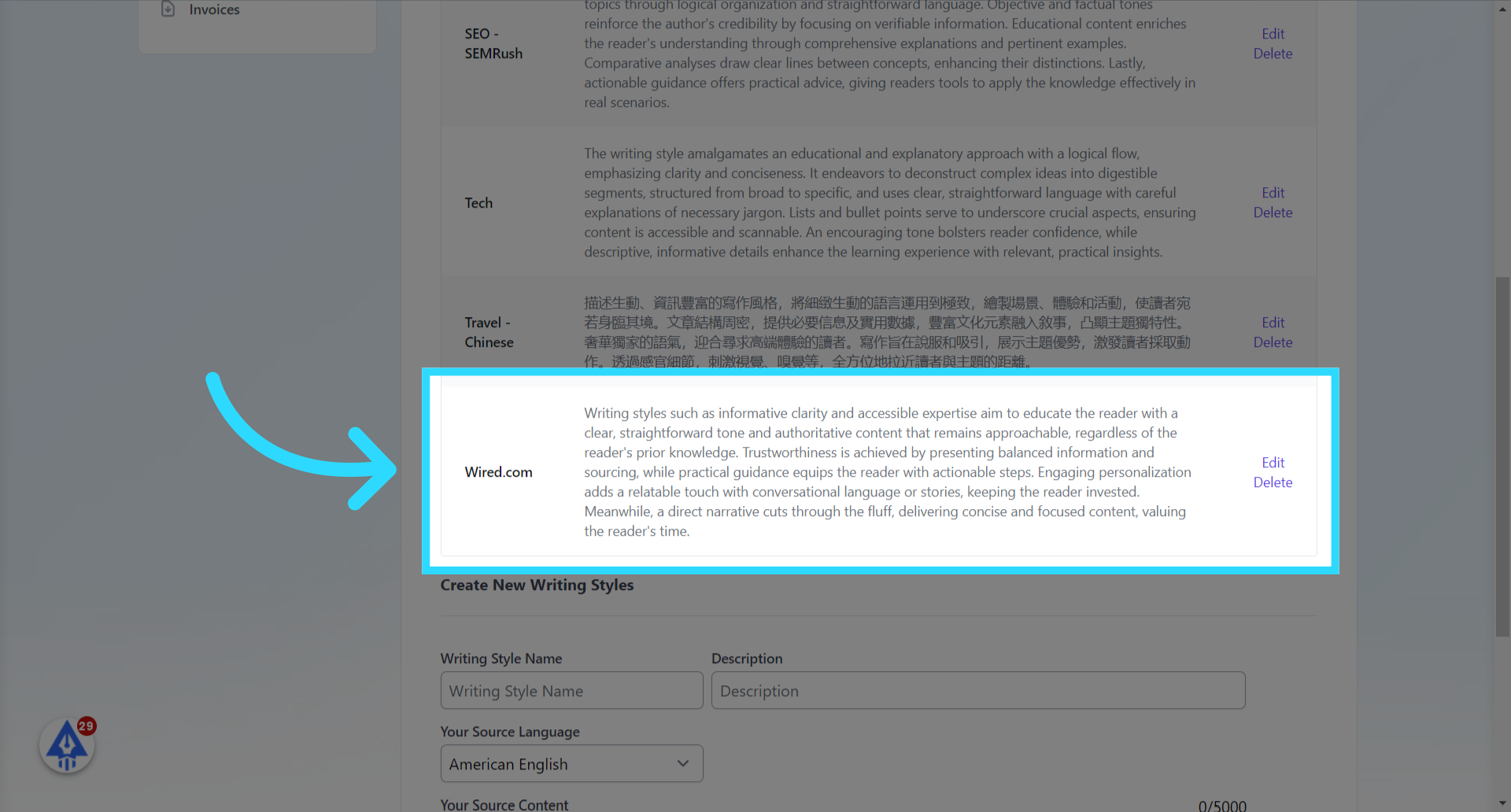
- Here is the new writing style created based on the content from wired.com
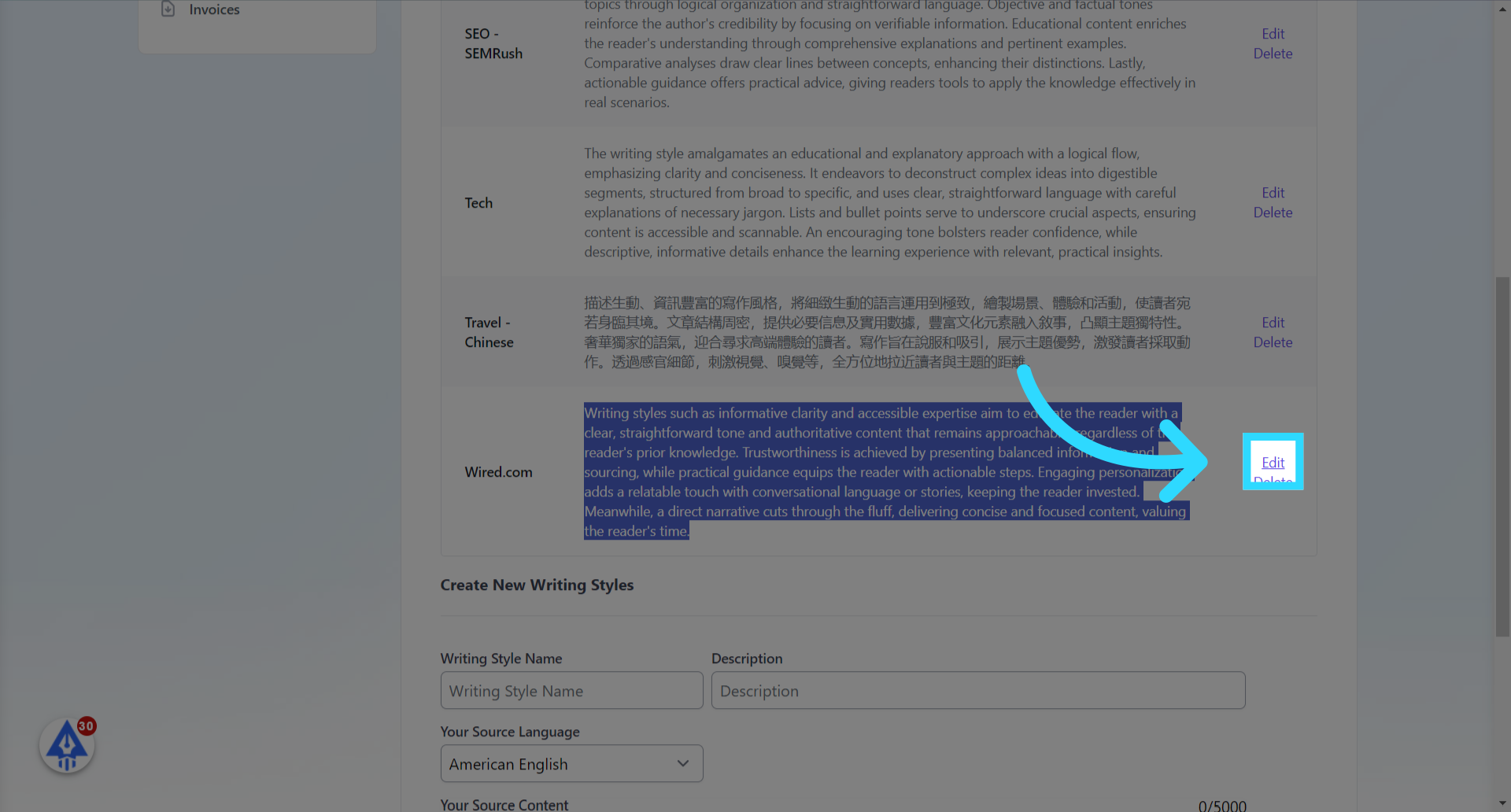
- Click the “Edit” link to view the details.
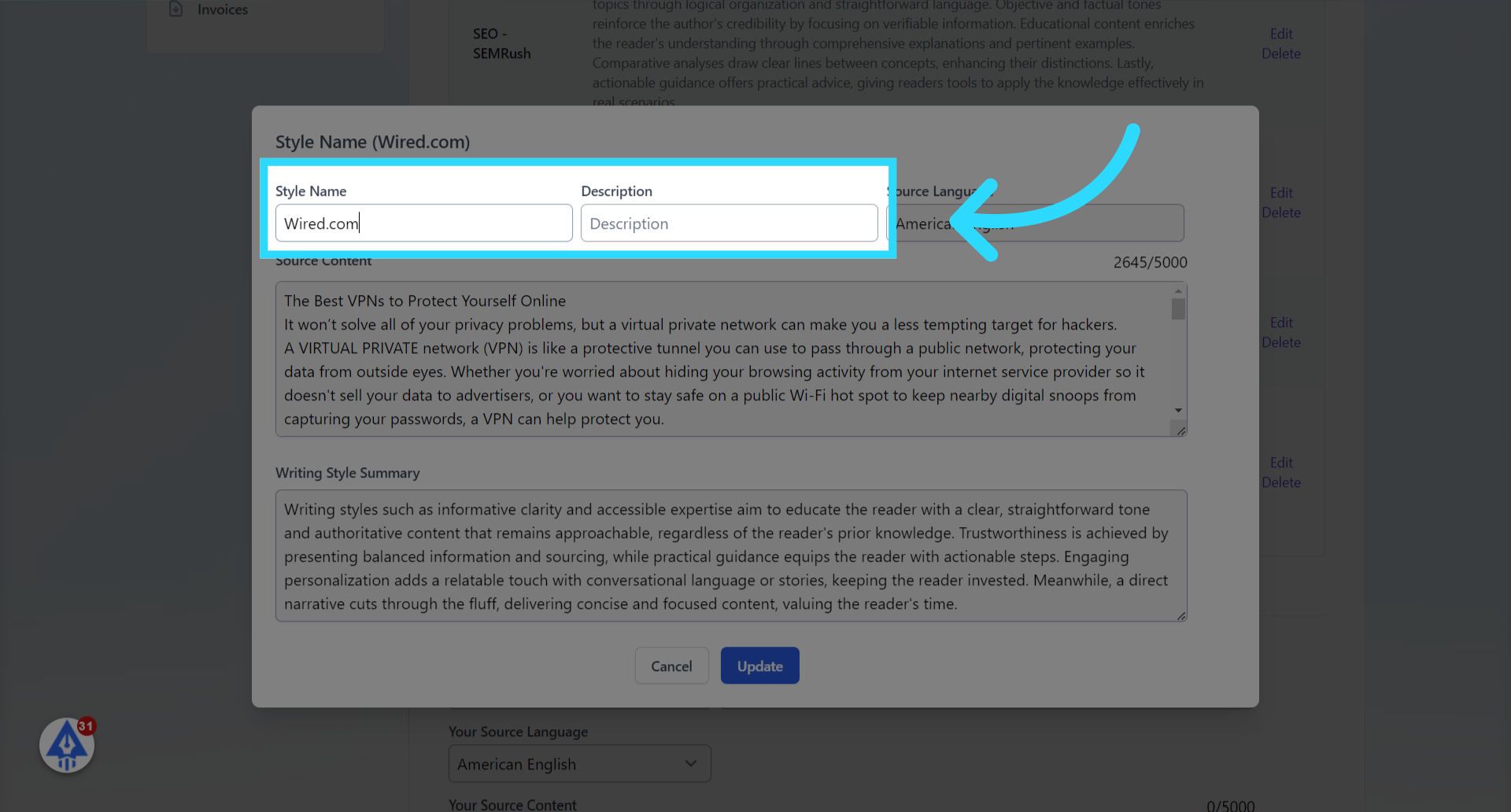
- You can change the name & description here.
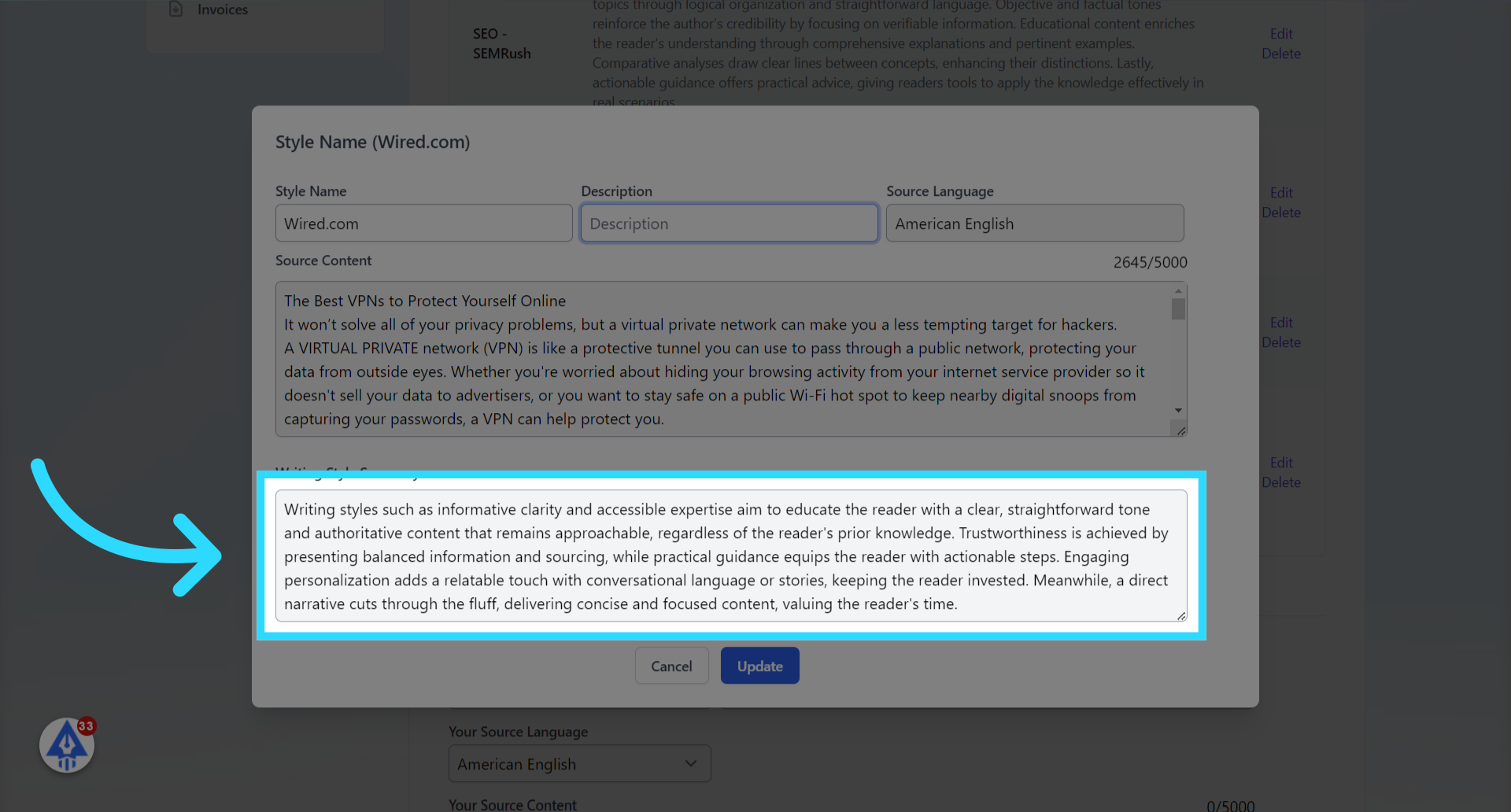
- Here is the summary of the writing style. The system will create a more in-depth writing instruction and pass it to our core writing engine.
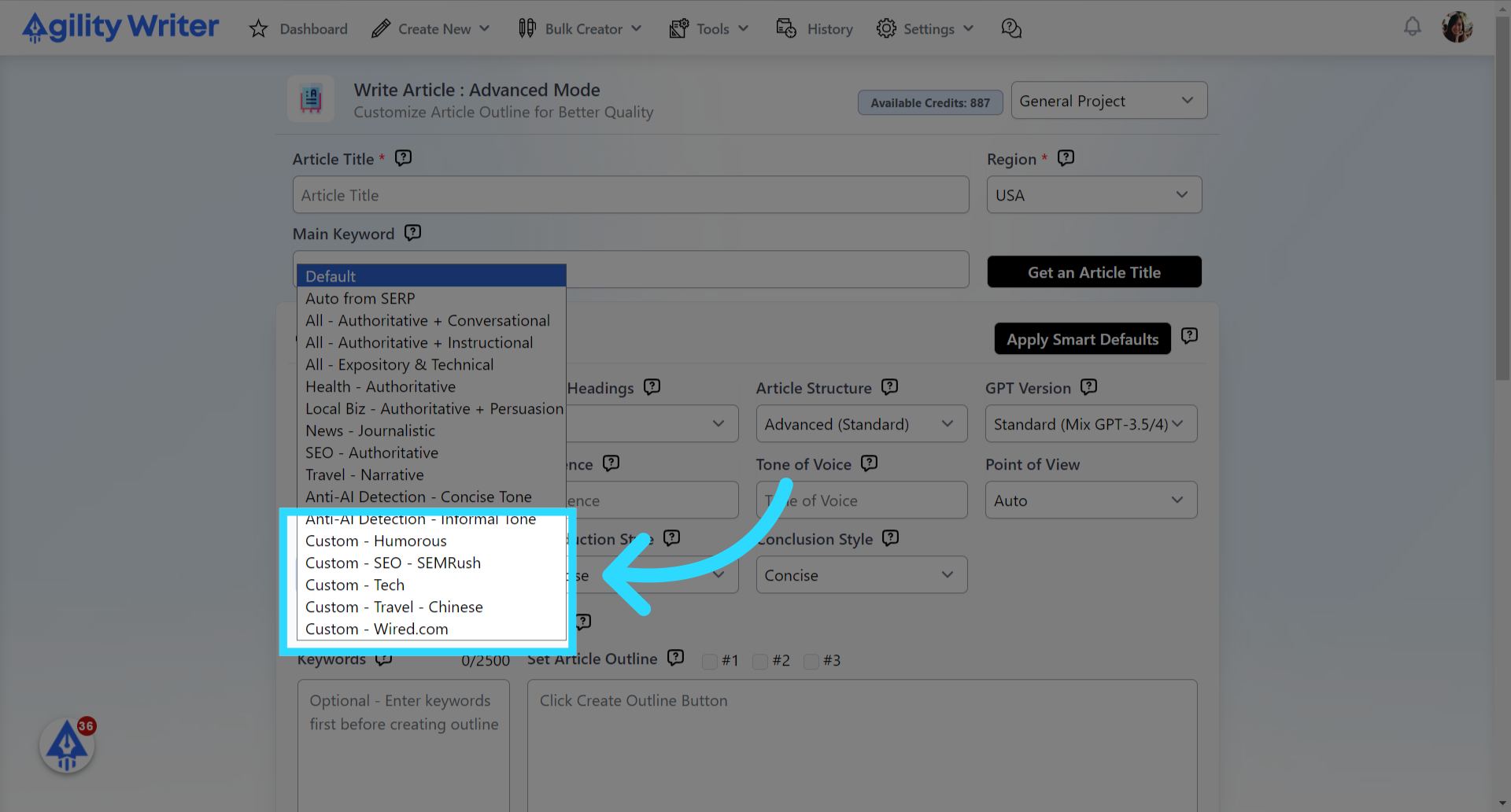
- The custom writing styles will be available here.
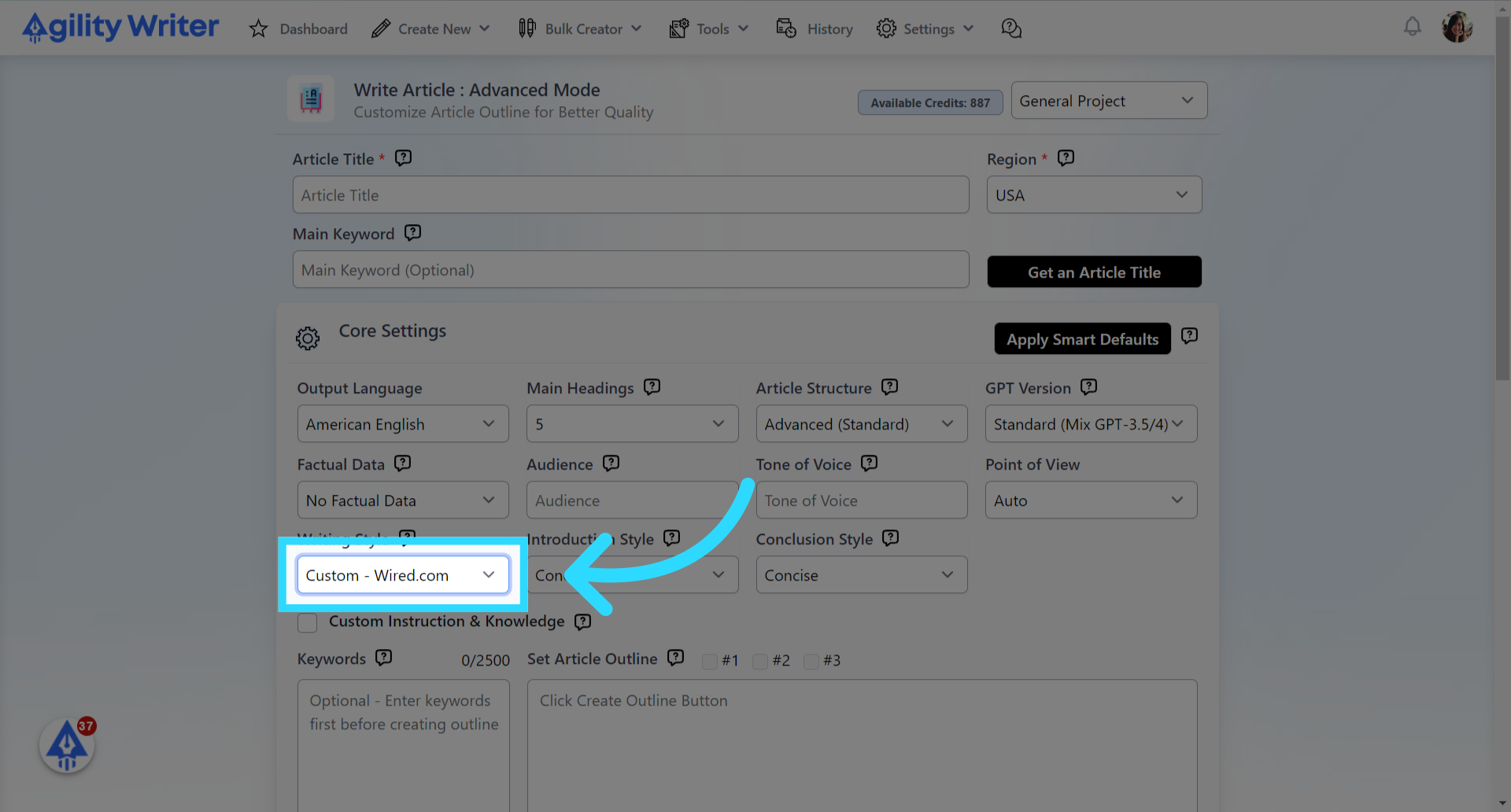
- You can now select the new custom writing style to proceed with your writing process.
Still need help?
Browse the full help center or start writing on a $1 trial.