

Google rewards content that shows who wrote it and why they’re qualified. Agility Writer gives you the tools to make that clear: the E-E-A-T Bio Generator, an author-background field, an authoritative intro style, the Power-Up Guide, and a first-hand experience option, plus an E-E-A-T About Page.
Key steps: generate an author bio, add it to project settings, set an authoritative intro, use the Power-Up Guide to surface expertise, turn on first-hand experience, and publish an E-E-A-T About Page.
What Google looks for

Google checks sourcing (citations and fact-checking), signs of expertise in the writing, and information about the author, through an author page or an About page. When facts are backed by research and writers’ expertise is clear on their own pages, Google trusts the content more. The author-background field lets you carry that into your project settings.
Generate an author background
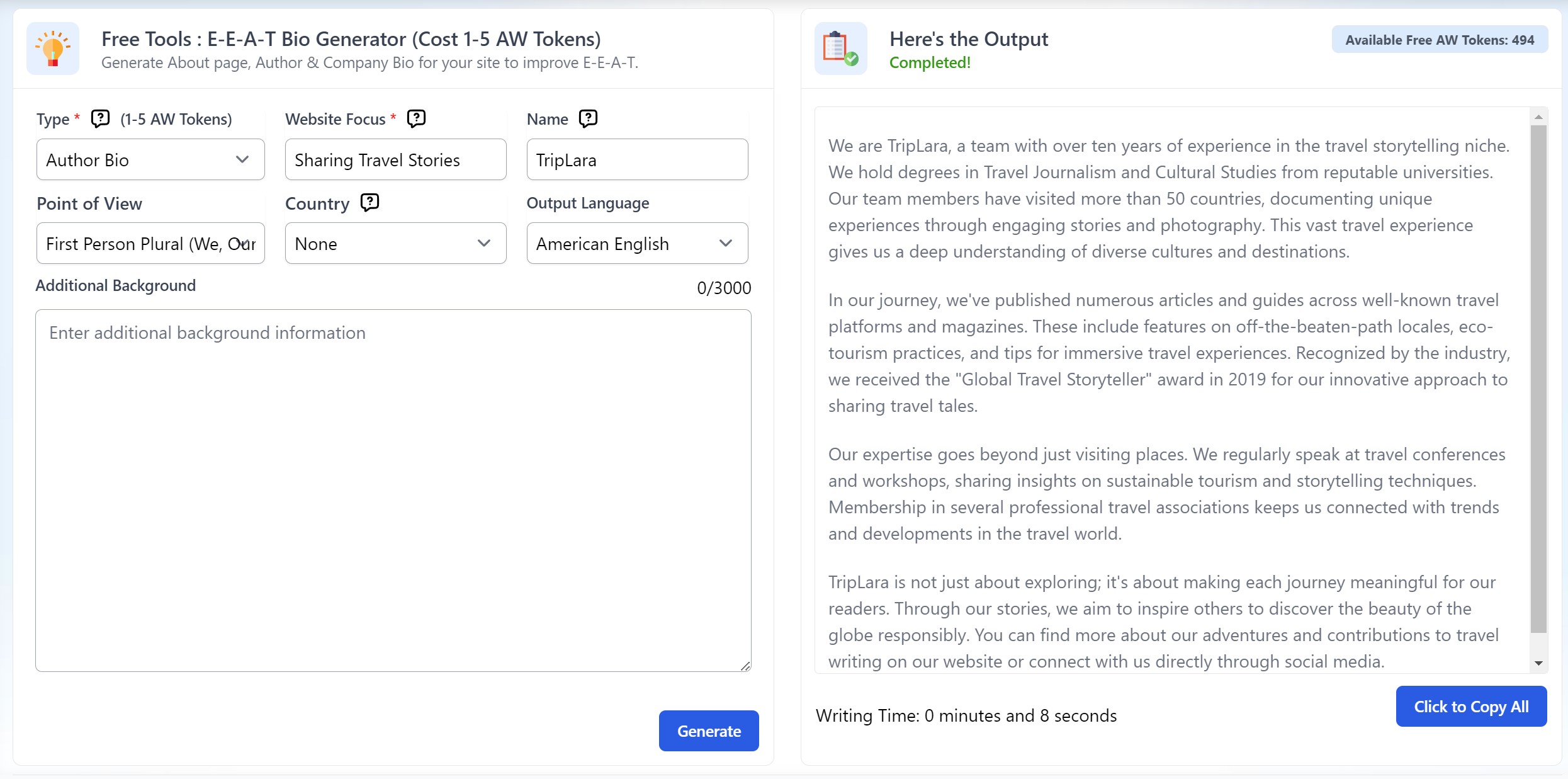
In Agility Writer, open Tools, then the E-E-A-T Bio Generator. Choose Author Bio or Company Bio, enter the website focus (for example, “pet care advice” or “reviewing home appliances”), add a brand or author name (or leave it blank for a generated one), pick the point of view, target country, and language, then add any real details like years of experience or achievements. Generation takes a minute or two and uses 1 AW token.
Add the background to project settings
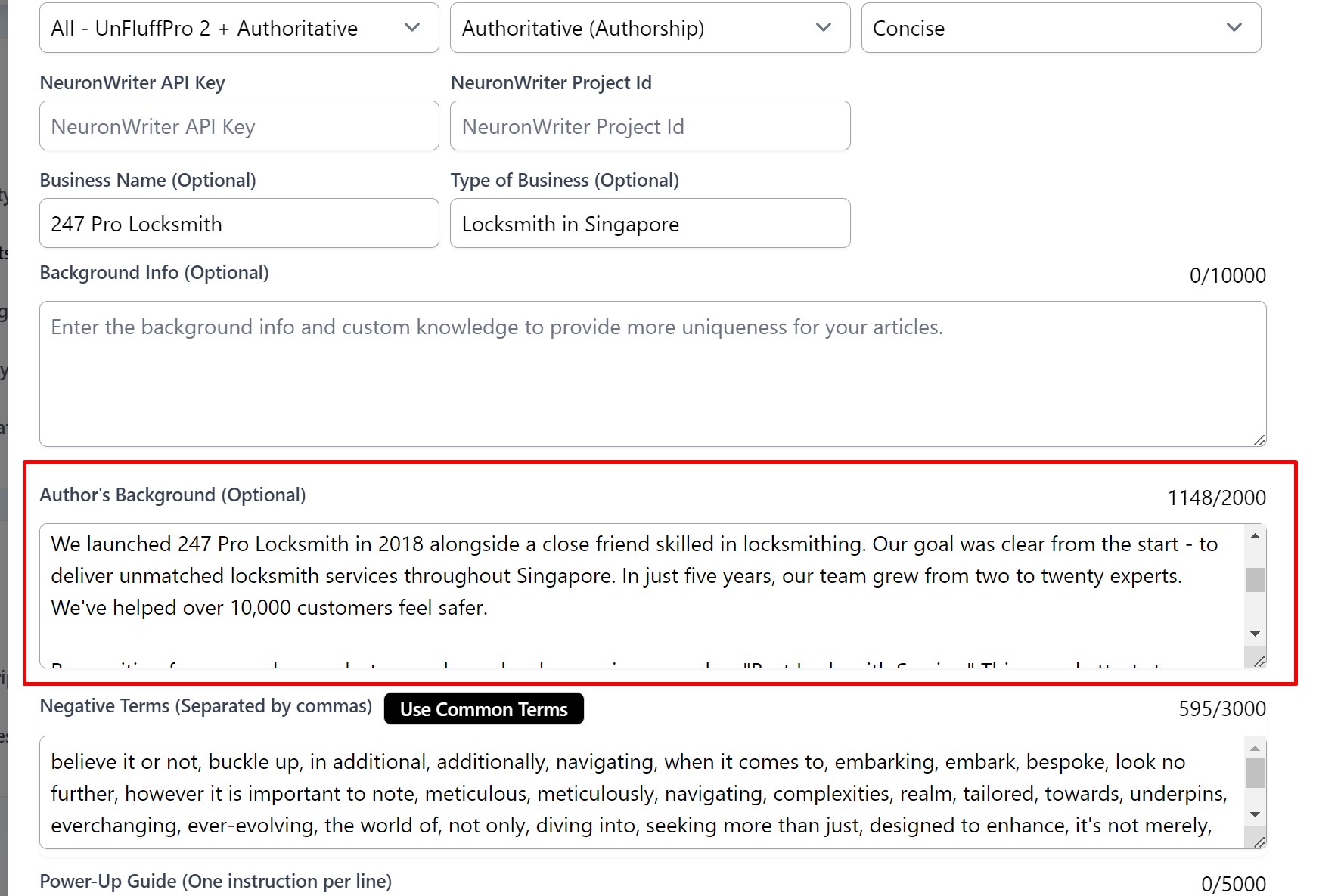
Copy the generated background, open Project Settings, paste it into the Author Background field so it reflects the author’s authority, and save. Every article in the project then carries that context, which helps both rankings and reader trust.
Set an authoritative intro
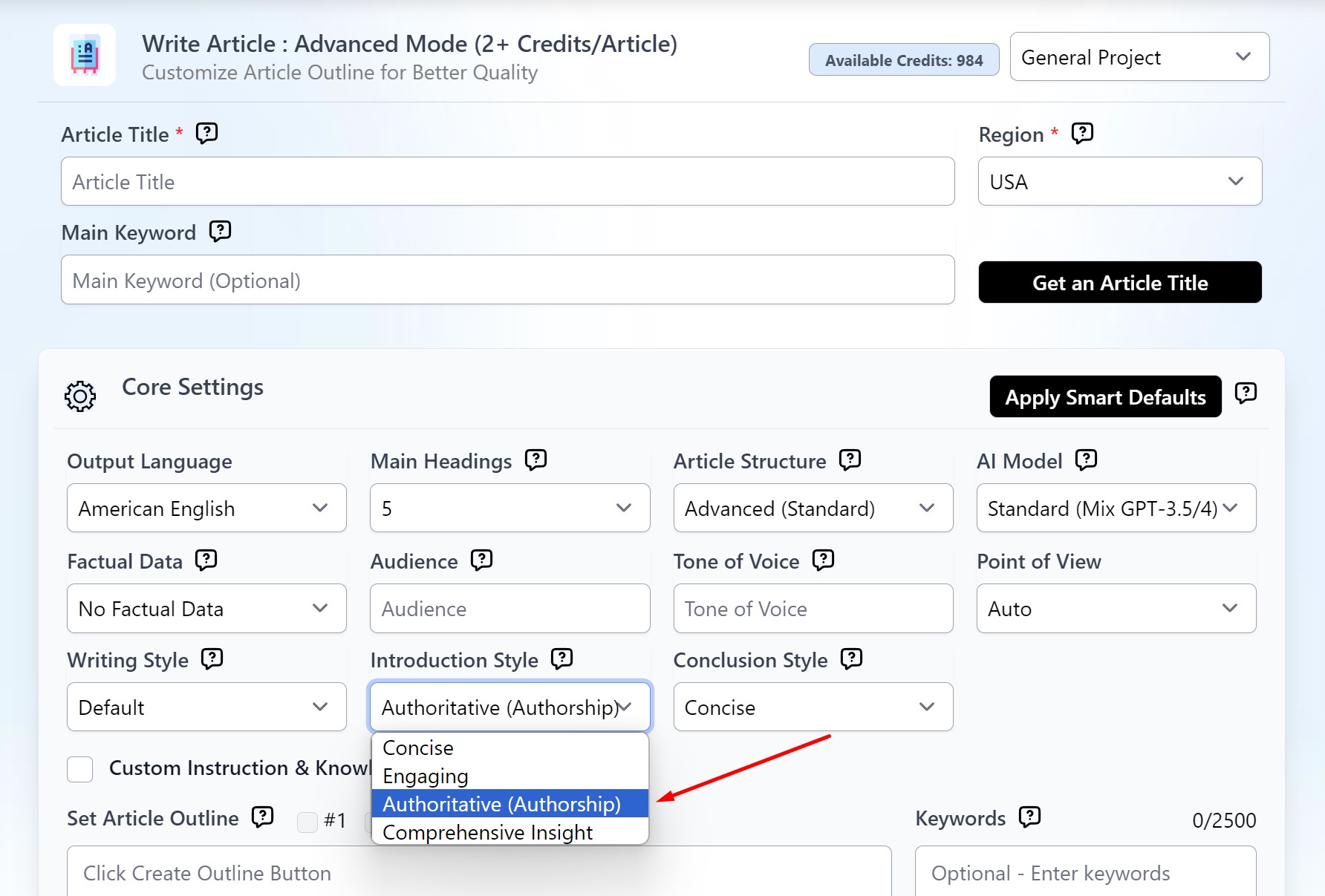
Choose Authoritative (Authorship) as the introduction style. It uses the writer’s background to open with a credible, expertise-led intro. Select it, fill in your project settings, and submit, and the AI carries that authority into the opening lines.
Surface expertise with the Power-Up Guide
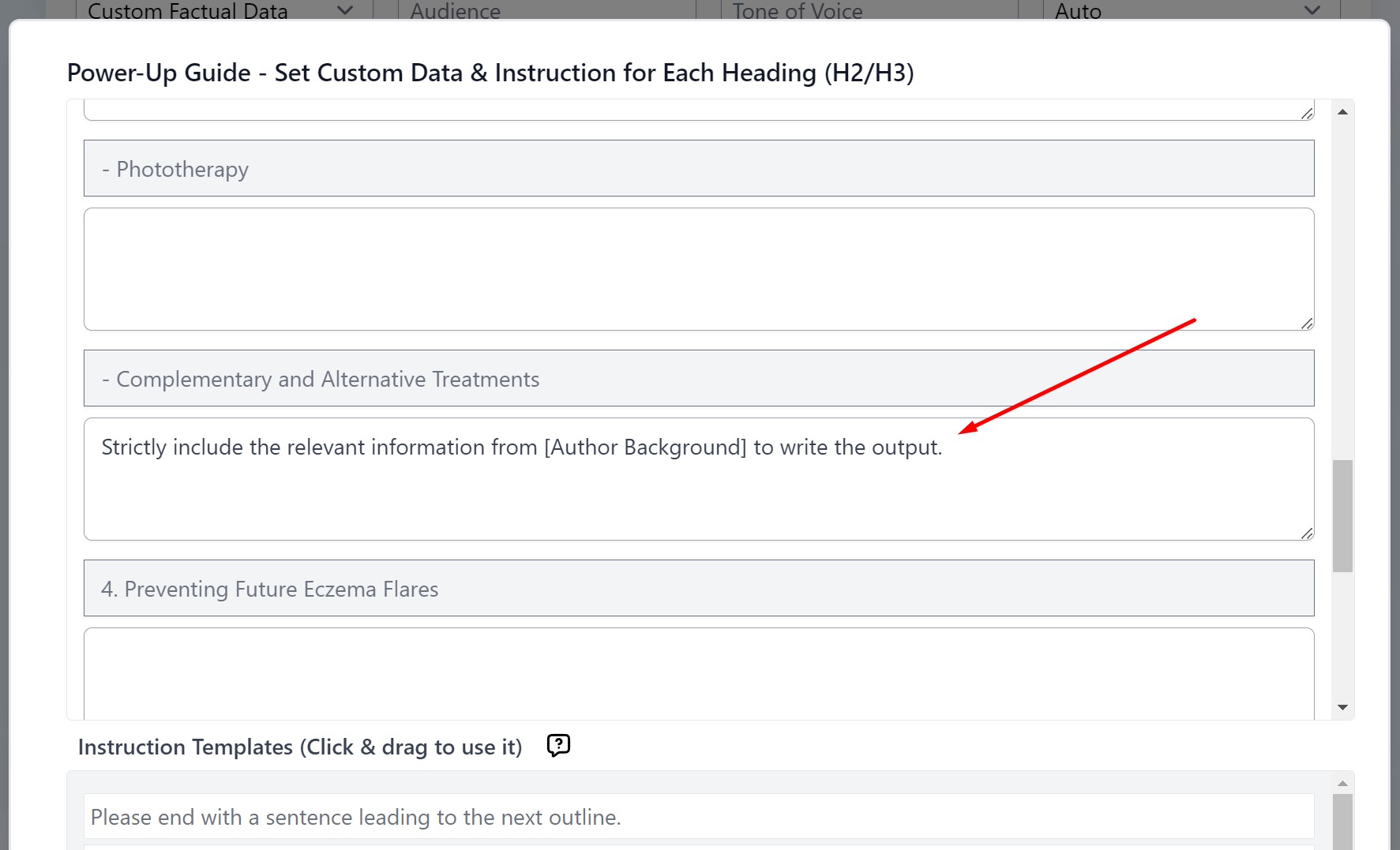
The Power-Up Guide lets you give per-heading instructions. Add the [Author Background] tag to place expertise exactly where you want it, for example: “Strictly include the relevant information from [Author Background] to write the output.” That puts the author’s knowledge front and center in specific sections.
Turn on first-hand experience
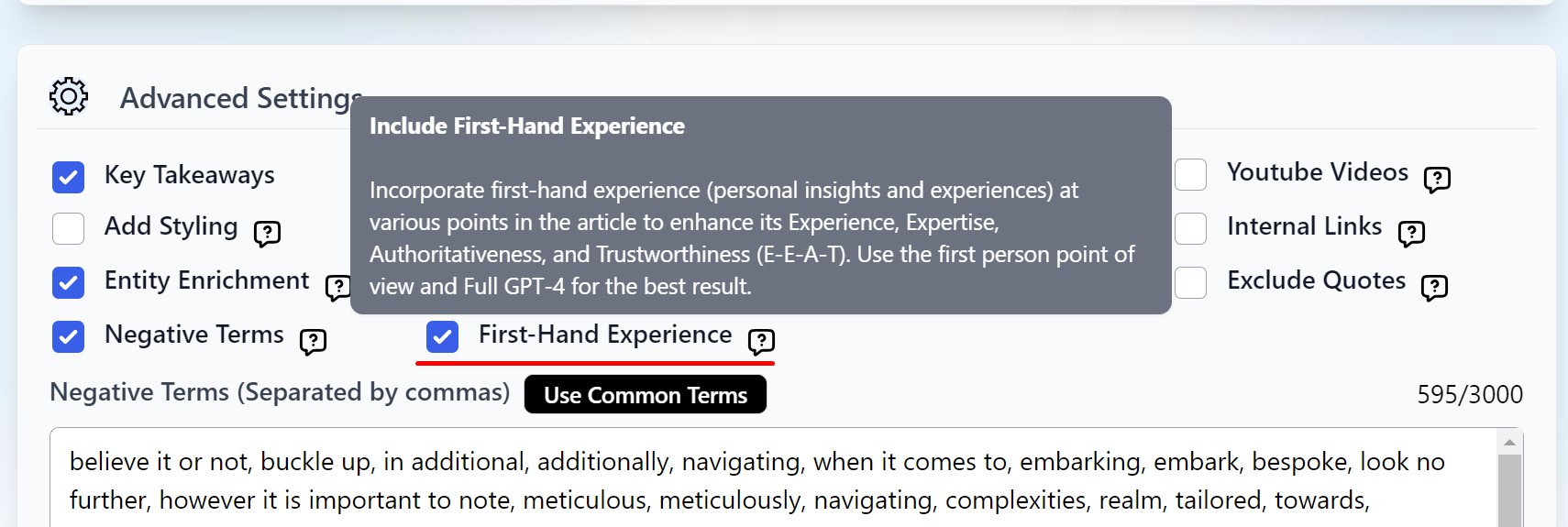
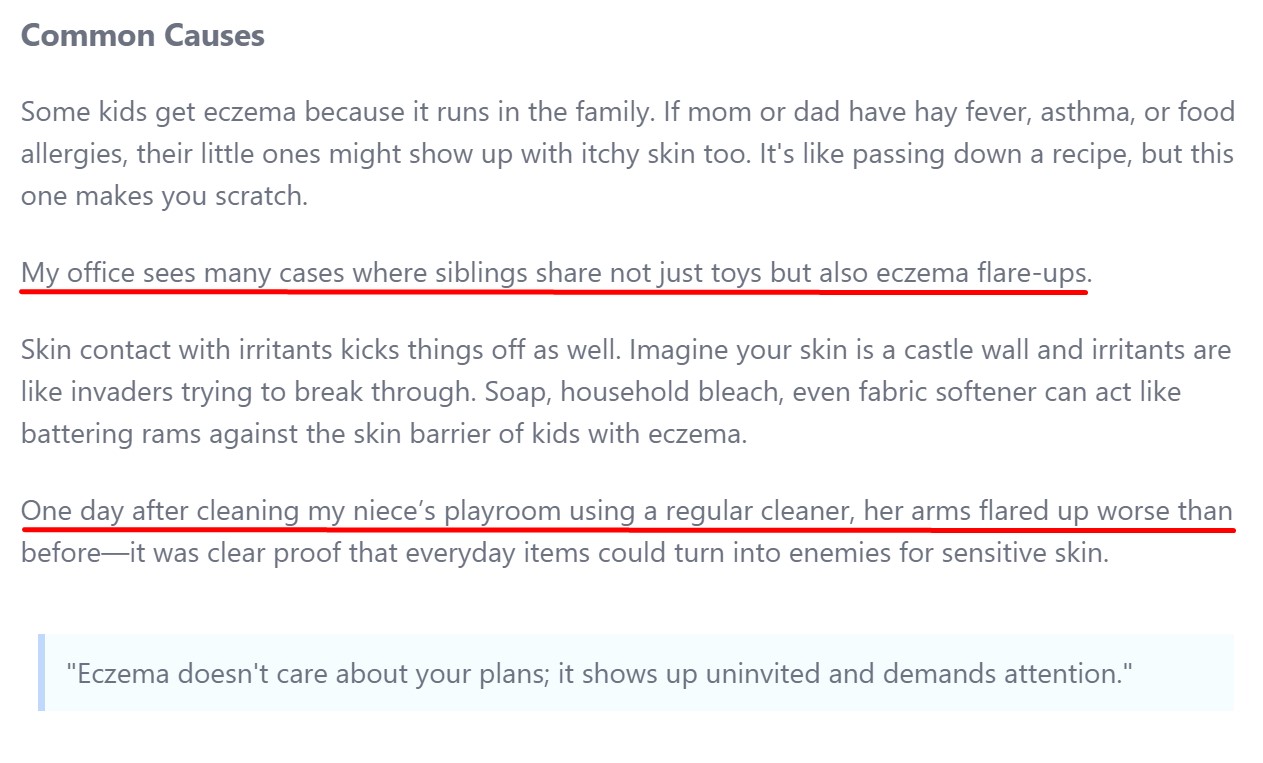
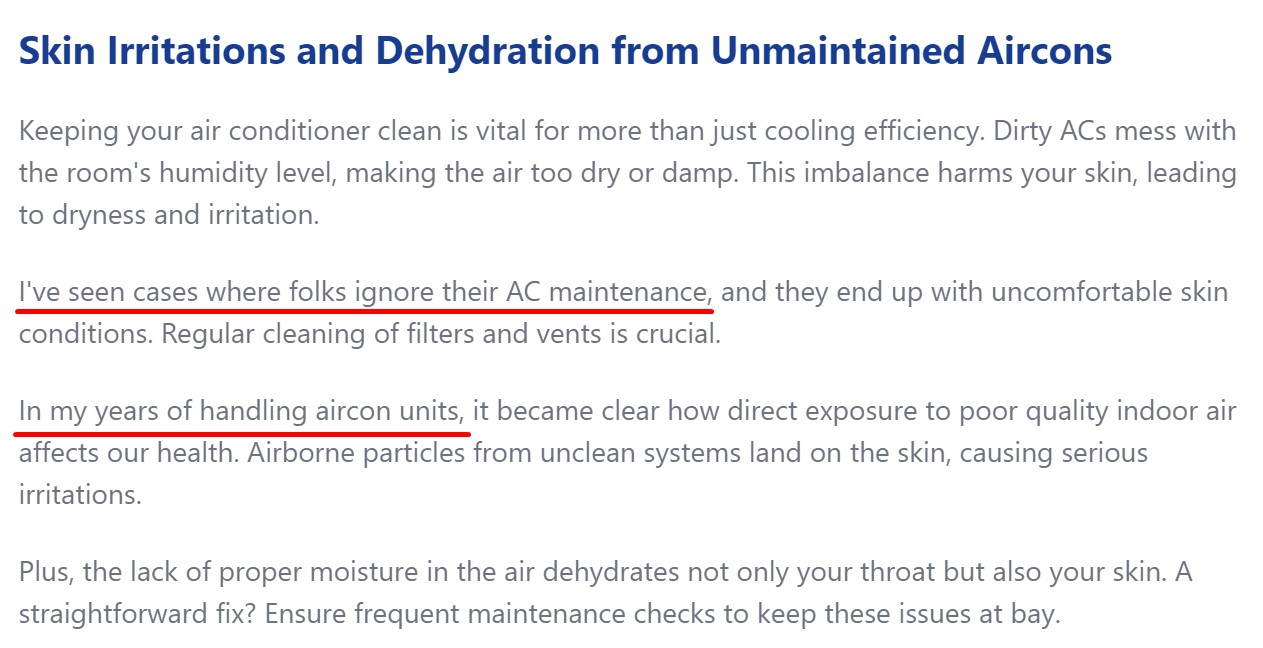
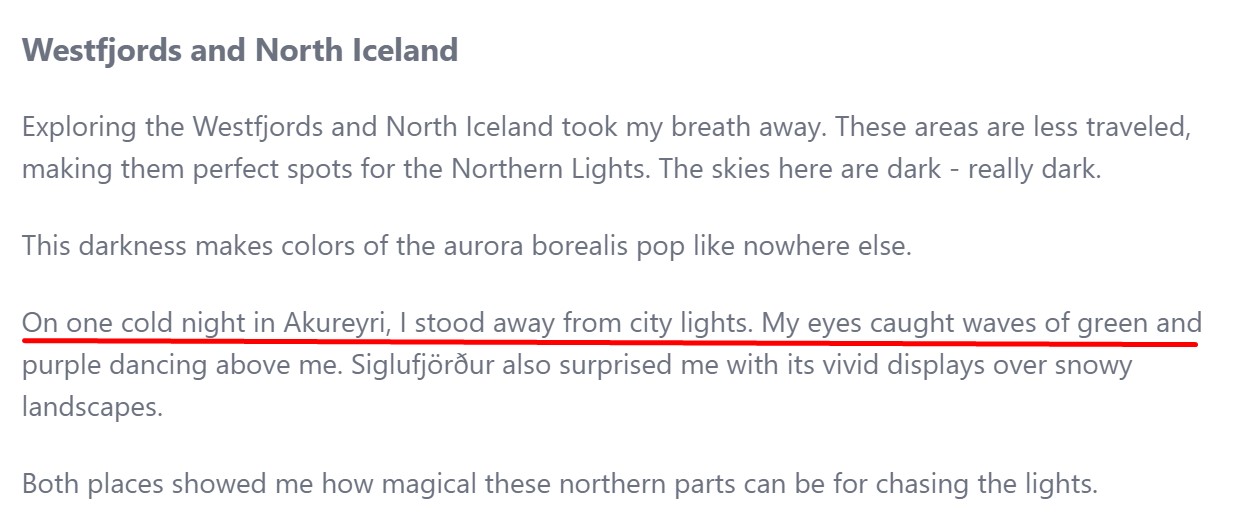
First-hand experience is central to E-E-A-T. Enable the First-Hand Experience feature and the tool weaves personal insights into roughly 30 to 40 percent of the article, which reads as more than basic facts. Pair it with the author background for the best result.
Write an E-E-A-T About Page
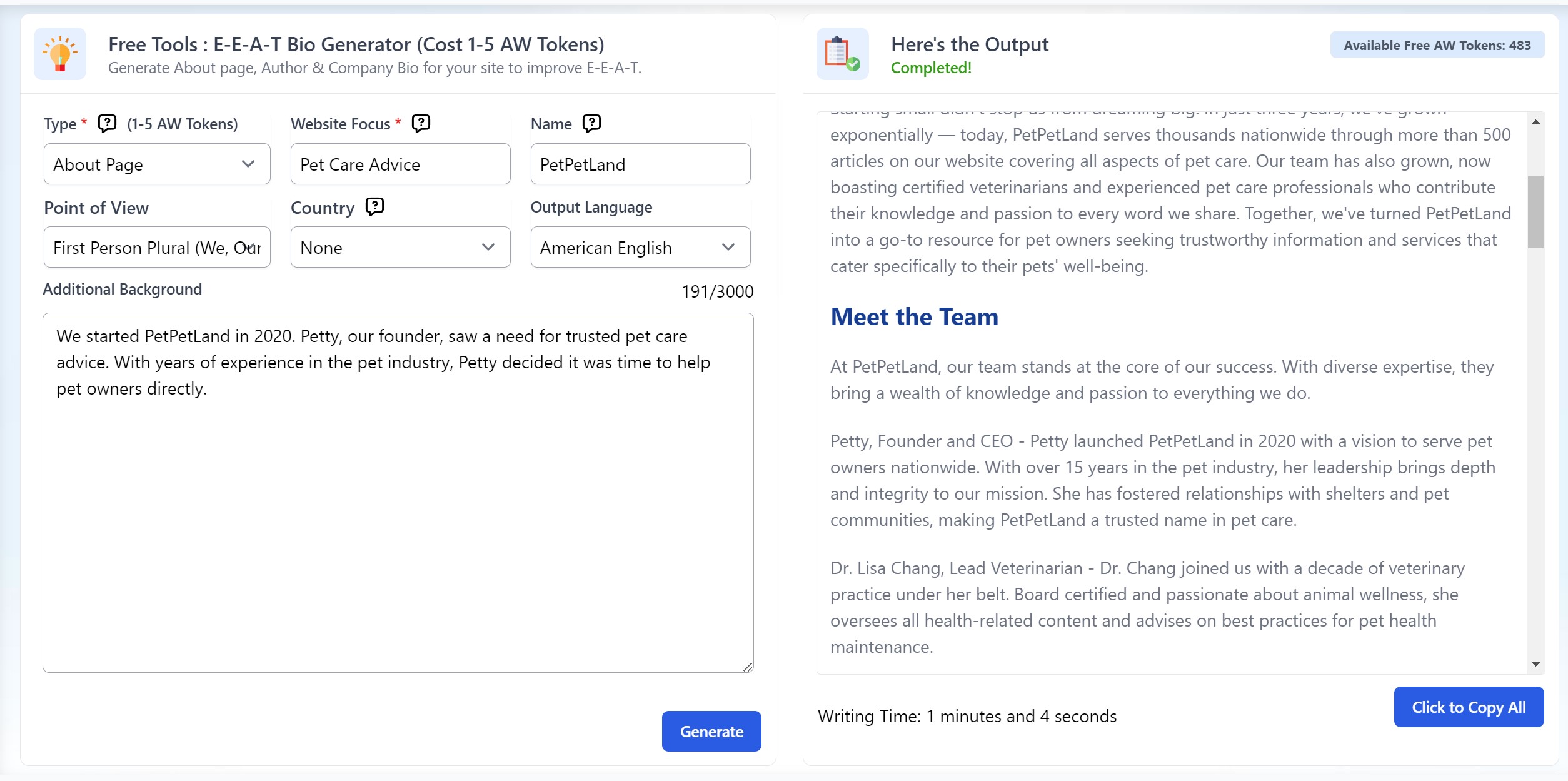
Open Tools, then the E-E-A-T Bio Generator, and pick About Page. Enter your site’s main theme, add a brand name (or let the tool create one), choose the narrator, country, and language, then add what you’ve done or let Agility Writer fill it in. It takes a minute or two and uses 5 AW tokens. The result tells visitors why they should trust you, no web development needed.
Wrapping up
From an E-E-A-T bio to a strong About Page, these tools make your authorship and expertise clear, which builds trust across Google’s search results and makes your work more visible and respected.